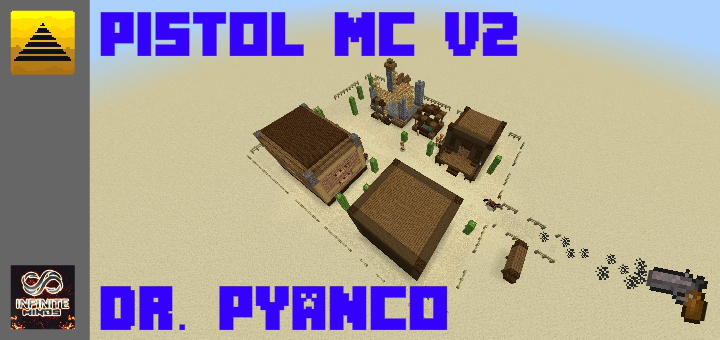
A Gun in Bedrock Edition! (No Mods or Add-ons!)

A Gun in Bedrock Edition! (No Mods or Add-ons!)

By Dr.Pyanco Published 5 Oct 2019 · Updated 12 Oct 2019
3.2

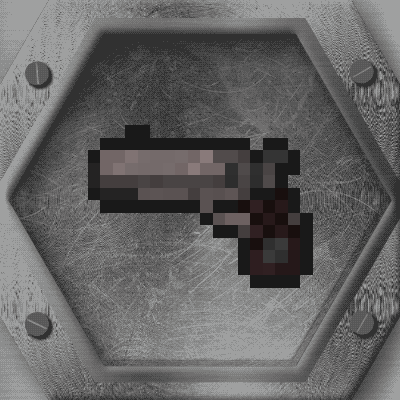
This command system manages to add a gun to the game without any mod, addon or script, created for anyone to use on their maps only by giving credits to the creator .

Created by:  Dr. Pyanco

Tested by:  SpiderMau07

Custom Map by: Andiuber

system created by team members of the Team Infinity Minds

Select version for changelog:

Changelog

*The instruction menu was fixed, now everything has translation in Spanish and English.

*A new presentation texture in English was added.
Installation

Supported Minecraft versions

Installation Guides

Hi just wondering if you can make a mediafire link because linkvertise doesnt work on xbox. Btw this looks epic :)
1
I am sorry to tell you that this system works ideally in windows 10 edition. But tomorrow I will upload a version that includes the instructions in the description.
1
(I mention it to all of Android and IOS)
First comment I think this is really cool
I cant read a txt on my device, how do i use it?
I am sorry to tell you that this system works ideally in windows 10 edition. But tomorrow I will upload a version that includes the instructions in the description.
1
Any problem or error comment on my twitter: https://twitter.com/DrPyanco?s=09
Hm.. I can’t import the file to Minecraft. Can you help me,please?
1
Of course, if the file fails you, I recommend that you open it as .zip or .rar, if you are on mobile I recommend the ESfile explorer application with which you only look for the file (usually in the downloads folder) and click on it then press more options and you change the name. There you could change the name of .mcworld to .zip or .rar, after changing the name you press to extract here (in the case that all the files in the world leave you separated just create a new folder and put them there) then you have to copy the files to the com.mojang folder (which is inside the games folder) there you will find the minecraftworlds folder in that folder you put the world. If you are in W10 it is easier, just right click and open it with ... and select winrar, unzip it and take it to the minecraftworlds folder that is usually at this address: C: \ Users \ hp \ AppData \ Local \ Packages \ Microsoft.MinecraftUWP_8wekyb3d8bbwe \ LocalState \ games \ com.mojang \ minecraftWorlds