
Bedrock Panoramas Selector

Bedrock Panoramas Selector

By GucekPL Published 9 Dec 2019
5

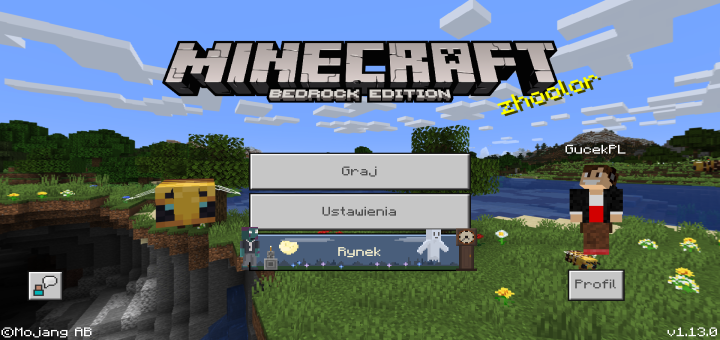
Would you like to change the official panorama to the previous/future one? Do you miss Pocket Edition or Windows 10 Edition, but would you like to have these logos in your main menu? This resource pack is made for you!

Select version for changelog:

Changelog

Update 1.0.2: 

Due to the move PS4 console from PlayStation 4 Edition to Bedrock Edition, the ability to set up a panorama with the PlayStation 4 Edition logo has been added.
Supported Minecraft versions

Installation Guides

1
This Best Logo
1
Hello! First of all, nice panorama selector pack! Now that that's out of the way, the "insufficient memory" issue for mobile devices can be fixed by setting the memory tiers of all subpacks in the 'manifest.json' file to 1. Hope this helps!
1
Oh, I forgot to add that this was for the full version, sorry :P
1
The texture pack It s stupid, but i love it ?
1
Adds the old gray color to the interface, before black (1.10)
1
Hey! The next package update will appear after the first beta to Nether Update. It will include a new Nether panorama and updated from Buzzy Bees (because quite unexpectedly in Bedrock 1.14.1 or 1.14.20 the one from Java Edition was introduced)
Panorama mcpe 1.2.8 christimas??
Czy da się zrobić żeby panoramą był np. mój prywatny świat czy nie?
1
Jeśli porobisz odpowiednio screeny, wykadrujesz je i przygotujesz paczkę, to da radę ;)
no java please add java
Not possible on java. Java doesn't support the right code.
Good pack! But dropbox doesn't work for many devices and will need to have an extra download for us please.
1
Hi! Thanks for opinion. Dropbox is only way at the moment to download my pack
Guest-4003163117 May 04, 2020 at 1:56 am
use mediafire silly
Does It Add Bedrock Edition Textures To The Game
1
My resource pack allows you to change panoramas to all existing ones with Bedorck Edition! :)
1
From Pocket/Windows 10 Edition? This panorama will not be in this resource pack. Resource Pack contains all Bedrock Panoramas. Besides, the quality of photos of this panorama is only 256x256 px, so in the main menu would be pixelosis :/
Any chance we can get a blurred pano like on the legacy editions (legacy backgrounds) as they look best, love the range of back grounds and I think legacy versions would look awesome.
1
As for the blur effect, I don't know why it doesn't appear despite the files, so unfortunately it's not my fault and I can't help it yet.
1
Please express your opinions in your comments! I hope they will be positive! :)