JK's Simple RTX  1.4  [ MCPE & BEDROCK ]

JK's Simple RTX 1.4 [ MCPE & BEDROCK ]

By Justin_Ku Published 5 Sep 2023 · Updated 20 Jun 2024
3.4

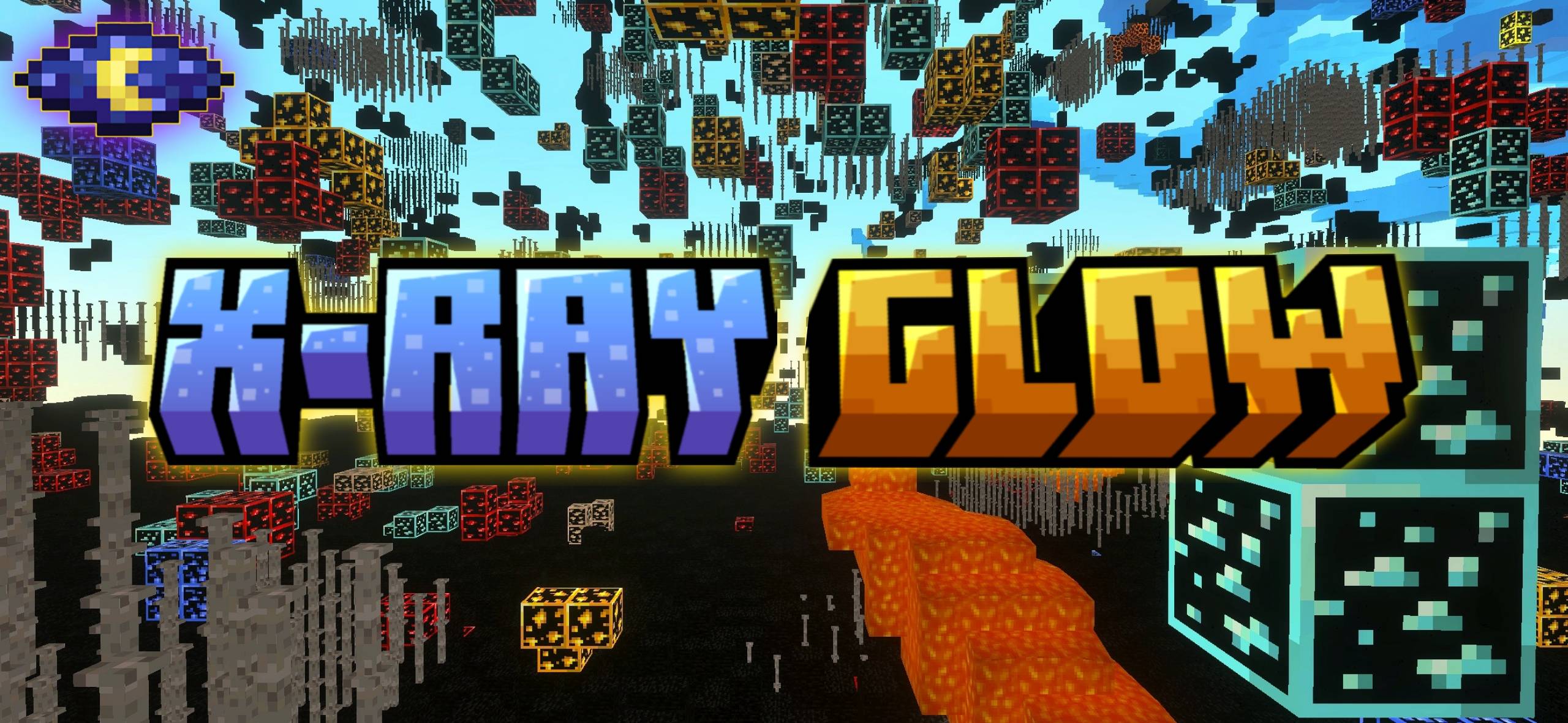
it's the easy way to bring ray tracing magic to your Minecraft world. This pack makes Minecraft look incredibly realistic, with beautiful lighting, shadows, and reflections.The best part? You don't need a super-powerful computer or technical skills to use it. Just install the pack, and your Minecraft will look amazing.Get ready for a Minecraft world that's brighter and more vibrant than ever!!!!

Select version for changelog:

Changelog
V1.4

Adjusted shader parameters for better color saturation.

Enhanced motion blur effects during rapid movements.

Resolved a bug where shaders were not loading on world load.

Fixed texture stretching on certain block types.

Installation Guides

1
MY PHONE RESETED I HATE THIS RTX
1
Be more shader-specific so you can stop misleading people to shaders that you say are not required by high end computers even though they are.
1
1
You can just get the glowing ores and similar water using newb x dragon shader for minecraft patch
1
I managed to get threw lootlabs with 5% of the ad link button on the screen!
1
cant send to Minecraft
1
cant put it in Minecraft pls fix
1
why not see the Minecraft because it zip you need to change name zip>mcpack and you now see minecraft if you don't understand my comment just watch the youtube
1
huge milkers
1
Big boulders💀
1
My iPad can't use this? ;-;
1
Total Sht! It says ray not working idk wtf is that . Only makes the world more worst. the picture you can see of glowy ore is probably fake too
1
Means its for computers with rtx compatible drivers which means the developer is trying to mislead us...
1
Obviously its not a mobile shader.
1
it only work on patch
1
Its not a patcher should what are you talking about?
1
Atleast it works on the version I always count on
1
Ill test in patch minecraft
1
Actually this isn't a patch shader and its obvious as its way too high quality and rtx
1
Mine Was Working But My Phone Cooked
1
Diegooooooooooooo April 19, 2024 at 5:07 pm
How do I transfer the Zip file to Minecraft?
1
rename the file from zip to mcpack and it's ok
1
use ZArchiver then select the zip file then click view copy the file inside the zip then paste it
1
On android 11 you rename it to mcpack and click the diagonal arrow and open with minecraft
1
Can't extract it to Minecraft idk why
1
is my mcpe will look like that picture?
1
قول والله