Superior 3D Player

Superior 3D Player

By BigGamers4u Published 27 Jun 2024 · Updated 9 Aug 2024
3.9

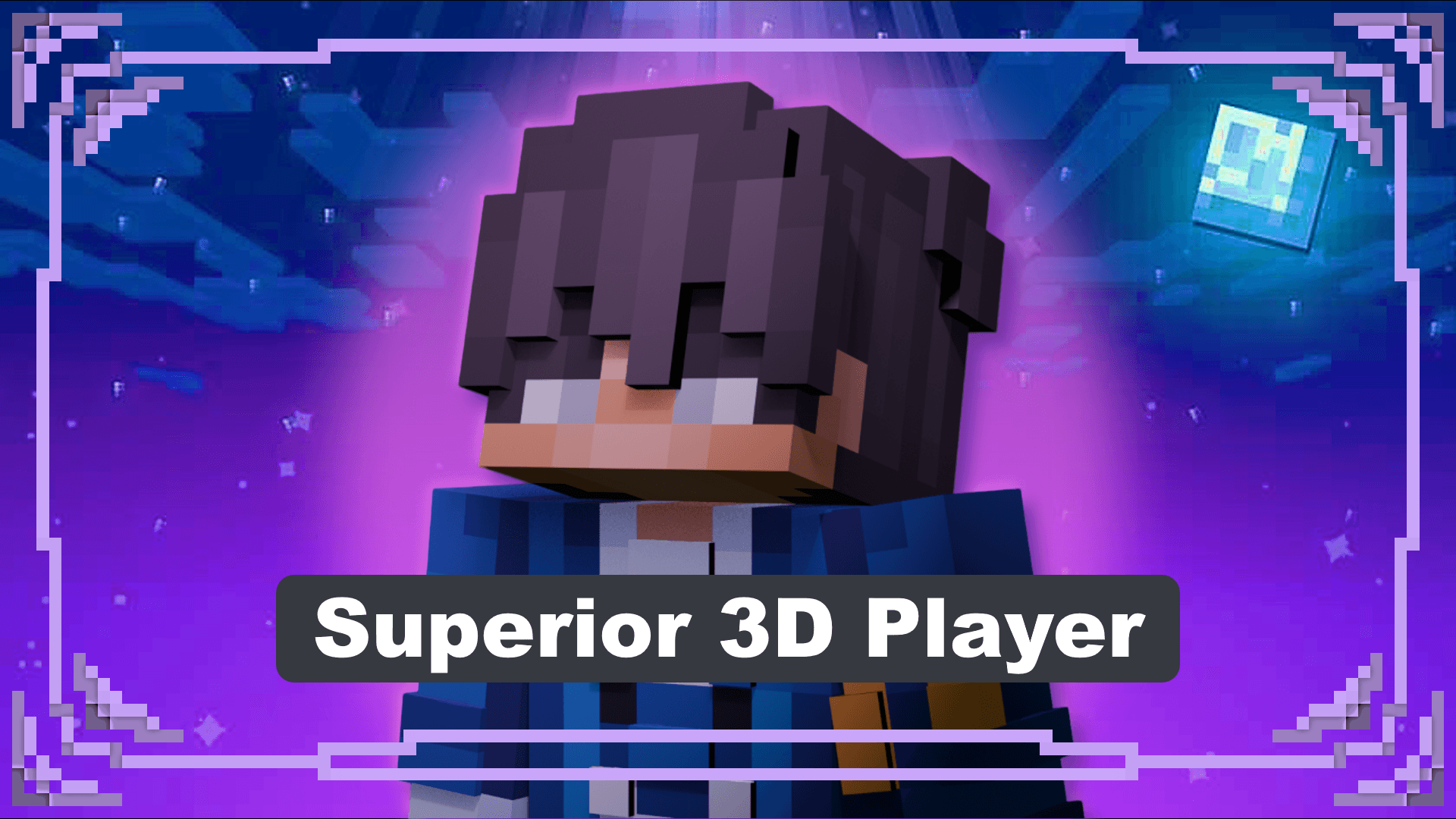
This pack changes your 2D/Outer layer to 3D, which adds more depth while making your character feel more alive. The pack now has more options to choose from with each being unique. The pack was updated and now everything supports 128x128 skins and with other models in the pack support 128x128.

Select version for changelog:

Changelog

This pack is nearly done and there will be changes, either more options or changes in the future
Installation

Downloads


Supported Minecraft versions

Resolutions

Installation Guides

1
how can I customize the cape if I can?
1
really awesome texture pack but for some reason my capes are completely invisible when i use it :(
1
kontoool
1
1
Can you make version normal hand?
1
do you have any plan on making it compatible with action & stuff? cuz when I try to use em together they just overwrite each other and not coexist together :) which is a dealbreaker whether or not using this texture pack. thanks 😊
1
I'm saying this cuz iirc oreville studio did do something about compatibility stuff with other texture :), have high hopes on this one.
1
hey when are you going to update it, because someone discovered how to fix capes broke when editing player.entity.json
1
How to edit your slim skin?
1
hey bro pls make for wide skin pls pls
1
I will be bring back wide skin soon. I wanted to find a solution to where both wide and slim show in game and I think I found a solution. Not only that but I'm gonna add another option which is going to be the Java 3D which will look nearly the same.
1
shadow thewerewolf on yt May 11, 2025 at 11:25 am
have you done this yet?
1
Hi, may I ask if your addon/pack is allowed to be published by others on the Chinese version of Minecraft《我的世界:中国版》?
I saw the same💀💀💀
1
Probably because zhongguoren people can't accss mcpedl. I'm planning to post the packs on mediafire so that more people can download it from there. Thanks for letting me know
1
ok with java 1.7?
1
How do I activate both hands?
1
If you go to Visible Offhand, you can see how to have both hands while using this pack. Place Visible Offhand on top of Superior 3D Player, and in Visible Offhand, you'll see a small gear wheel icon. Click it and set it from "default" to "compatible with superior 3D skin rp" and they should both work. If you have more questions, just DM in discord 😊
1
When i download the texture version the slim version is downloaded where can i get the version for steves skins?
1
I haven't made the wide version yet for the latest which is version 3 but at some point I already have plans to work on the wide option again, but you can download version 2.5 which does have the wide version though.
1
how to put custom cape
1
The custom cape is difficult but I have some custom capes in my discord which you can join to get an idea of how it works - 5s9JuQDASw