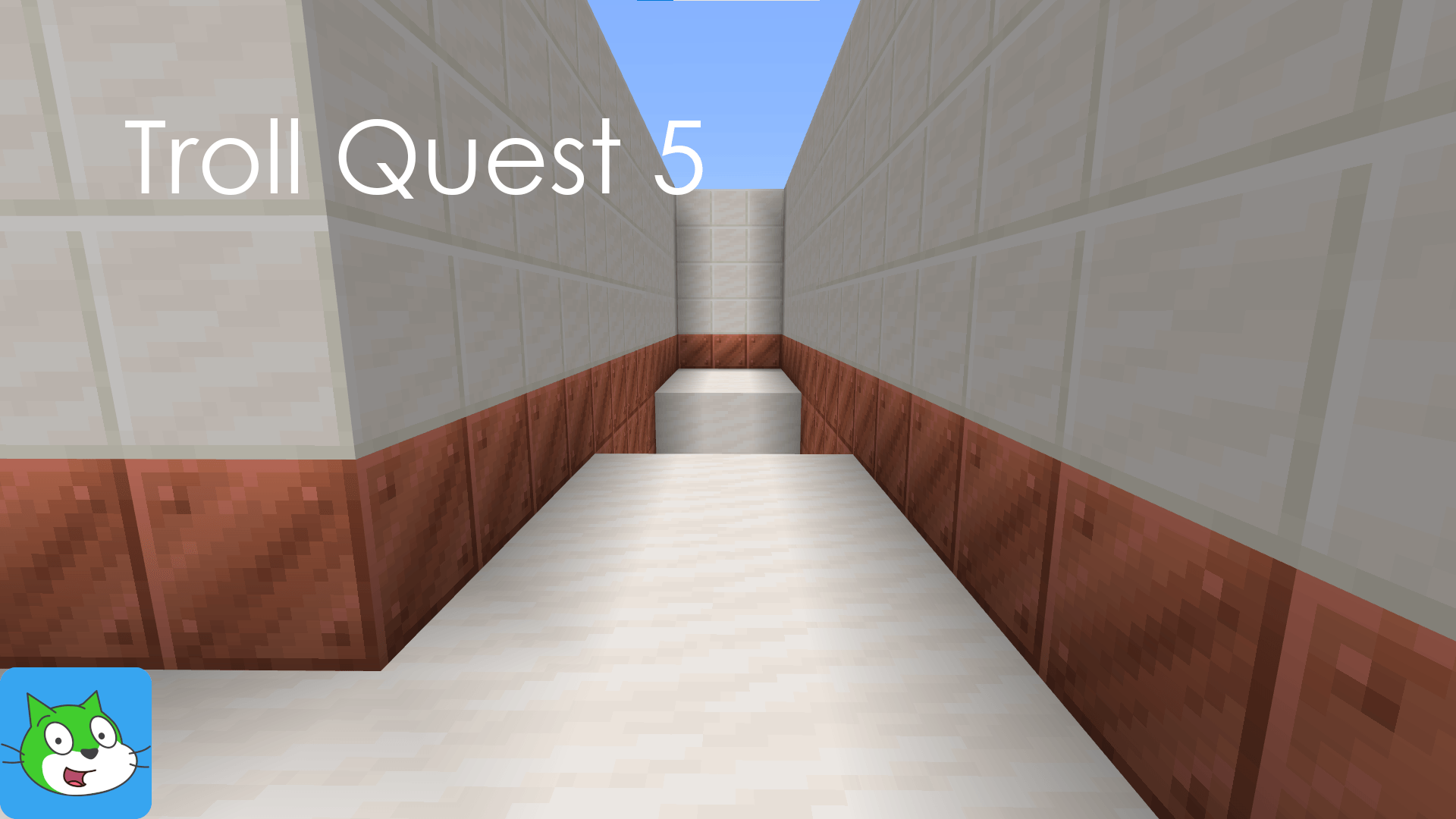
Troll Quest 5

822
Select version for changelog:
Changelog
CHANGELOG (v1.0):
- First version of the map.
Downloads
- Download (v1.0 - English) (278.99 KB)

Select version for changelog:
CHANGELOG (v1.0):
Then, unplug your device from the PC and run Minecraft. The world will be avaliable to play. If this has solved your problem, enjoy it! 🤗
If you use an iOS device, I don't know how to paste as a ZIP into Minecraft, sorry. 😕