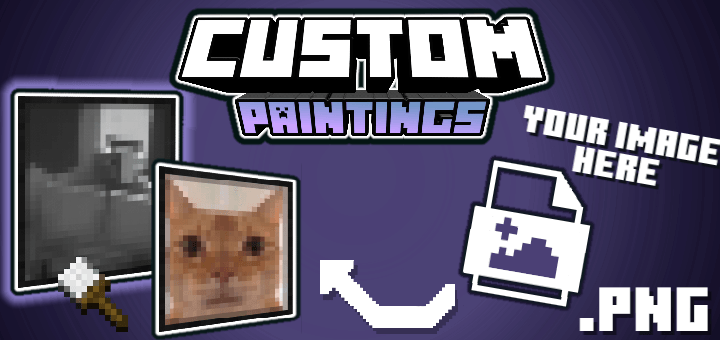

Custom Paintings

Custom Paintings

By AgusTheKing Published 21 Feb 2026 · Updated 7 Jun 2026
37.3k
4

Select version for changelog:

Changelog

Custom Paintings 1.0 — The Big Update!

Version 1.0 is finally here! This update is designed to make creating your painting packs easier, faster, and more convenient than ever, whether you are starting a project from scratch or editing one you already had in progress.

Core Features

  • Templates Button in the Editor: You no longer need to go back to the main menu! We have added a new direct button inside the editor ("Templates") so you can browse the pack gallery and add templates to your existing projects without losing your current images.
  • Fixed Export Freezes: We fixed the issue where the editor would get stuck on "Loading..." when trying to export addons containing images added via internet links (URL). It now downloads instantly!
  • Integrated Anti-CORS System: We improved the downloading of external images from servers like Behance or similar platforms. If the browser tries to block the image for security reasons, our system automatically processes it in the background seamlessly.
  • Full Minecraft Compatibility: We updated the internal engine to ensure all your configuration files and scripts work perfectly with the latest versions of Minecraft Bedrock.
  • New Templates available in web editor: added a new Anime pack template.

Visual & Convenience Improvements

  • Unified Design: The new editor button maintains the classic Minecraft pixelated aesthetic, blending perfectly with the "+" and "Via URL" buttons.
  • Safe Loading: If the server experiences any temporary issue retrieving the addon's base file, the editor will no longer fail silently; it now self-fixes so you can keep working.
  • Smart Chain Import: When you add an entire template pack via URL, the editor processes the images one by one in an orderly fashion to ensure none of them are missed along the way.

Downloads

  • customPicturesV1.0.mcaddon (1.65 MB)

Show all downloads (1 older files)

Installation Guides

Pinned comment
1
Super easy to understand! No blocky quality on paintings, you just have to read the instructions!!
1
phenomenal stuff bro. great job.
1
Is it impossible to change the package name when editing it? I've noticed that multiple copies are created, and when I add a package to my Minecraft world, I don't know which one it is. The only way to distinguish them is by looking at their file sizes.
1
Hello there! I recently downloaded your mod and was suprised with how well it worked,But why doesn't it work with 2 add ons
1
1
I exported the images but when I enter my world, the brush doesn't work(the image that I exported didn't appear/isn't there.) Can you make a full video on how to do it on Cp? I don't know if I did something wrong or is it the mod that have problem. thank you.
1
Yo puse como 23 cuando lo puse me dice espacio insuficiente y dice que me ma reducir los gráficos y luego seven graficos de carton y eso que tengo un buen telefono jaja y de almacenamiento de sobra queria ver poque pasa eso o que solución hay
1
is there no way to push the paintings into the grid since when you make a painting into a 2x2 it expands from the middle instead of acting like a normal 2x2 painting where it takes up 4 blocks
1
I put it in my world and it doesn't load, it stays completely black and Minecraft freezes :(, This didn't happen to me with the previous version (I added only one and it worked, but I want more, is this normal?)
1
Hmm, I'm not sure how to help. What platform are you on, PC or mobile? It might be a RAM issue, but I'm not positive. I'll check it out later.
1
Thank you so much for the add-on. I have a problem with Minecraft version 26.12: only the first two images appear, the rest don't. They do appear in the menu, but when I put it in the XUAD, they don't.
1
I'll look into it, thanks.
1
Thank you so much, and seriously, it's an excellent add-on, I love it!
1
Hi, very nice addon but I have a question, why when I put an image with 16x32px (vertical) in the web editor looks correctly, but when I put it in Minecraft only the top half of the image appears. it's a bug?.

However, 32x16px images works fine in web editor and Minecraft, anyway thanks for the addon!
1
Hi, thanks! It is a bug, thank you for reporting it. I am aware of it and I will try to fix it in a future update.
1
Super easy to understand! No blocky quality on paintings, you just have to read the instructions!!
1
Look....it was a little hard for me to understand it but i did it in the end, good job.
1
i like it
1
how do i uae it
1
Go to the 'Downloads | Official Site' URL and scroll down to the bottom of the page. You'll see an editor there; if you click 'create', you can edit your addon. There is also a tutorial here: trmc-addons.com/cp