
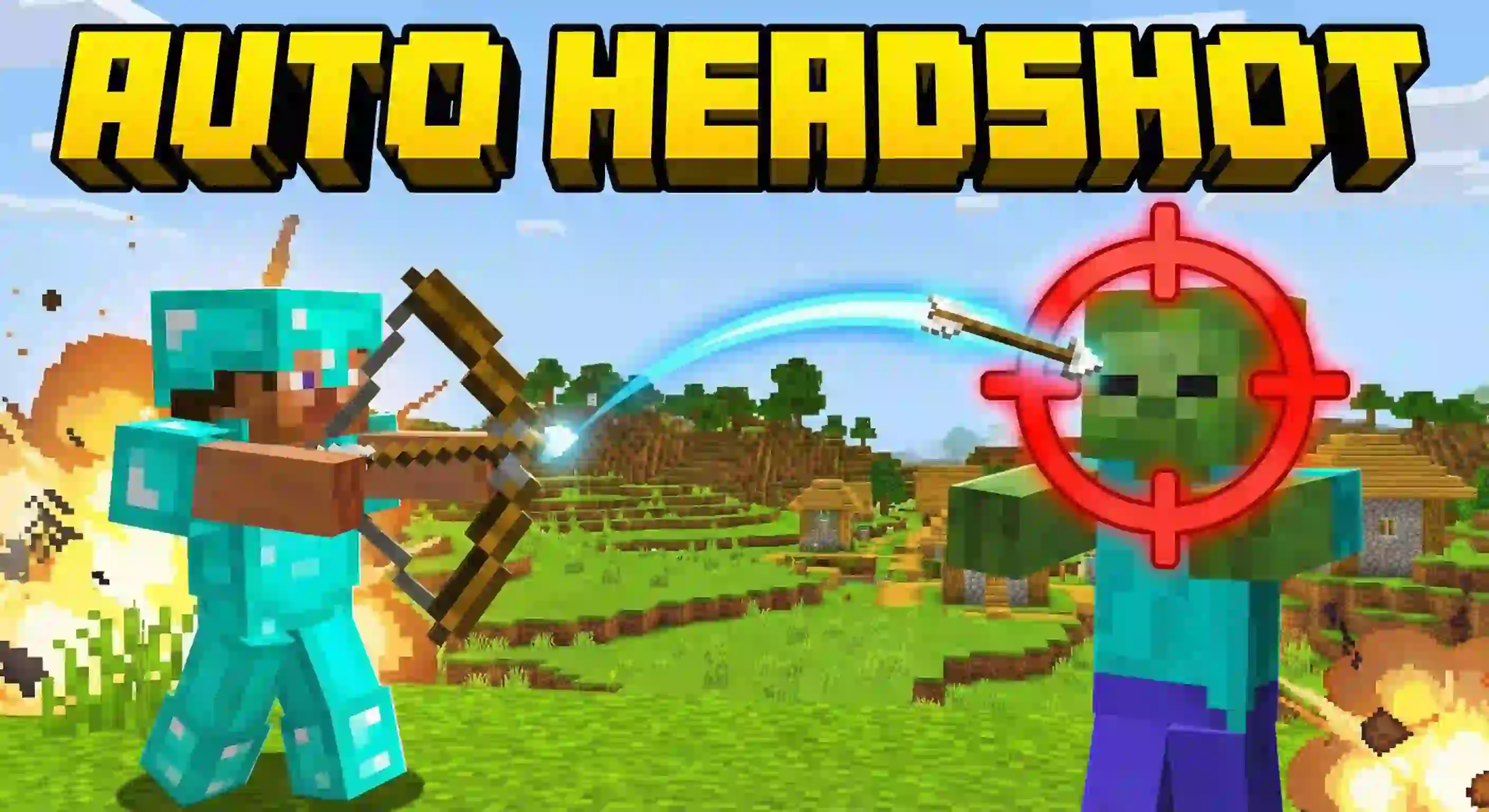
RR Aimbot: Homing Arrows (Auto Headshot!) 🎯

Select version for changelog:
RR AIMBOT BOW v2.1.0
BUG FIXES:
- Settings now save permanently (Dynamic Properties)
- Stats now save permanently (accuracy/kills persist)
- manifest.json fixed (removed wrong "data" module type)
- Tracking loop changed from every tick to every 2 ticks (less lag)
- Highlight particles reduced to every 5 ticks (less lag)
- Arrow lifetime limit added (prevents infinite tracking)
- Kill detection timing improved
- Player leave properly cleans up tracked arrows
- Player validity checks added everywhere
- Hit distance made configurable (was hardcoded 1.5)
- Spectral arrows now supported
- Arrow lifetime prevents memory leak
NEW FEATURES:
- Arrow max lifetime slider (50-500 ticks)
- Hit distance slider (1-4 blocks configurable)
- Kill milestone achievements (10/50/100/500)
- Headshot milestone achievements (10/50)
- Easter eggs (69/420/1337 kills)
- Tracked arrow count in stats
- Lock-on particles on target
- Headshot feedback sound
- Better action bar feedback
- Best accuracy tracking
By Racing Raftaar
racingraftaar.blogspot.com
AI slop like this should NOT have high ratings
Though, I wish you could do some compatibility with [Realism VFX] because the arrow tracks the VFX tester around the player.
Overall, it's the best auto aim I used!
Search for this add-on on website
And thanks for confirming that Turning Cheats ON fixed the issue!
Since this addon uses camera commands, Cheats are mandatory.
Enjoy the addon on version 1.21.132!
If the text is not appearing, it confirms that the Script API is failing to load completely. Since you've already enabled the Experimental Settings, the issue is almost certainly your Minecraft Version.
Please check these two things:
Version Requirement: You must be on Minecraft 1.21.0 or higher. If you are on 1.20 or older, the script will NOT run.
Education Edition: Scripts often get blocked on Education Edition.
Please let me know your exact Minecraft version, and I can help you further!
Also, stay tuned! A huge update is coming soon with exciting new features, so get your game ready!
Please check these 3 steps to fix it:
Update Minecraft: Make sure you are on version 1.21.0 or higher. (Scripts won't work on older versions).
Enable Experiments: Go to World Settings > Experiments and make sure 'Beta APIs' is turned ON. This is mandatory.
Re-Add: Remove the pack and add it again after enabling the experiment.
Let me know if it works after checking the Beta APIs toggle!