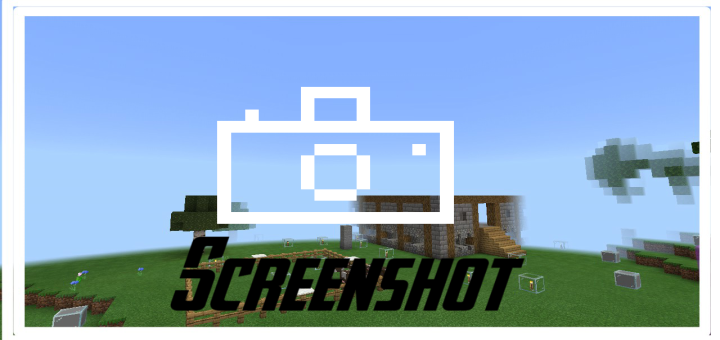

Screenshot Resource Pack

Screenshot Resource Pack

By AbdallahMohamed Published 6 Jun 2020 · Updated 7 Jun 2020
4.2

What do you think after going to the settings to hide the hands and return to take a screenshot now you can take a screenshot without going to the settings to do all this just download this resource pack and take screenshots without the inconvenience

Select version for changelog:

Changelog

direct download Links have been updated and patched on the Media Fire site
Supported Minecraft versions

Installation Guides

1
Good lEt me try it
1
El botón dejó de funcionar para la 1.17, sería bueno que actualizarán el pack
1
How do you get your screenahot?
1
Could you update this pack to 1.16.100? Mojang made a small UI change that messed with the button's positioning so that it overlays the Save and Quit button. I used this pack before because I Keymapped my volume down button to F5
1
i say in the comment this resource pack is steal but after see the reply people says this resource pack is from realms so i give you 5 star, oh and can i copy your file to my texture?
1
1
Stealer!
How is this different from the normal screenshot? Is the quality of the screenshot higher? ex. if a phone has 420p screen will the screenshot be 420p or not?
1
It will remove the ui in the pic.... Thank me later
Where can i Pm Or Dm You?
Where do I find the folder of the screenshots, I'm on windows 10
find in windows search %localappdata% and then find packages folder and then find microsoft.minecraftuwp_ folder and then go to localstate folder and then go to folder games and then go to folder com.mojang and then go to screenshot folder
I think this feature can be done like the Minecraft China version
1
He isnt stealing this is part of realms so stop spamming.
1
Also its part of the resource pack you can download as a template for creating resource packs. So mojang lets us do this.
T H I E F