
![VDX: Old Days UI v1.2.4 [v1.21.120]](https://media.forgecdn.net/attachments/1405/926/mcpedl-png.png)
VDX: Old Days UI v1.2.4 [v1.21.120]

40.3k
Select version for changelog:
Changelog
v1.2.4 [November/27/2025]
Note/Clarification: To ensure the project's functionality in this update,
I've decided to add some modules of VDX: Mixed UI and PvP UI v3 for an essential update.
[Additions]
- HUD:
- Full version of "Customize Touch Controls", with old style.
- Inventory:
- Added completed version of bundle tooltip, with fixed details.
[Changes]
- Global:
- Updated to minimum version 1.21.120.
- Added PBR capabilities in "manifest.json" in order to use with Vibrant Visuals.
- Renamed subpacks names to "Accurate" and "Adaptive" modes.
- Added new left stick directions for tooltip controller textures.
- Added Dualsense styled tooltip controller textures.
- Options:
- Added new options for Audio/Accessibility screen.
- Added new options for Video/Graphics screen.
- Added new options for Game/General screen.
- Fixed scrolling issues for "Storage" sections.
- Inventory:
- An error that prevented the use of the hotbar hotkeys for inventory has been fixed.
- Added Auto Place Mode and Drop Place Mode toggles, only in touch mode.
- Added clear "X" button in search box.
- Moved the Filter Craft Toggle to right panel.
- Added alternative version of Pocket Inventory/Crafting Screen for those who play some servers without issues.
- Start:
- Replaced "Achievement" button to "Profile" button, in both Pocket and Desktop UI.
- Added "Inbox" button in Pocket UI.
- Pause:
- Added more small buttons in Pause Screen.
- Removed the button in Player Grid List.
You may also like...
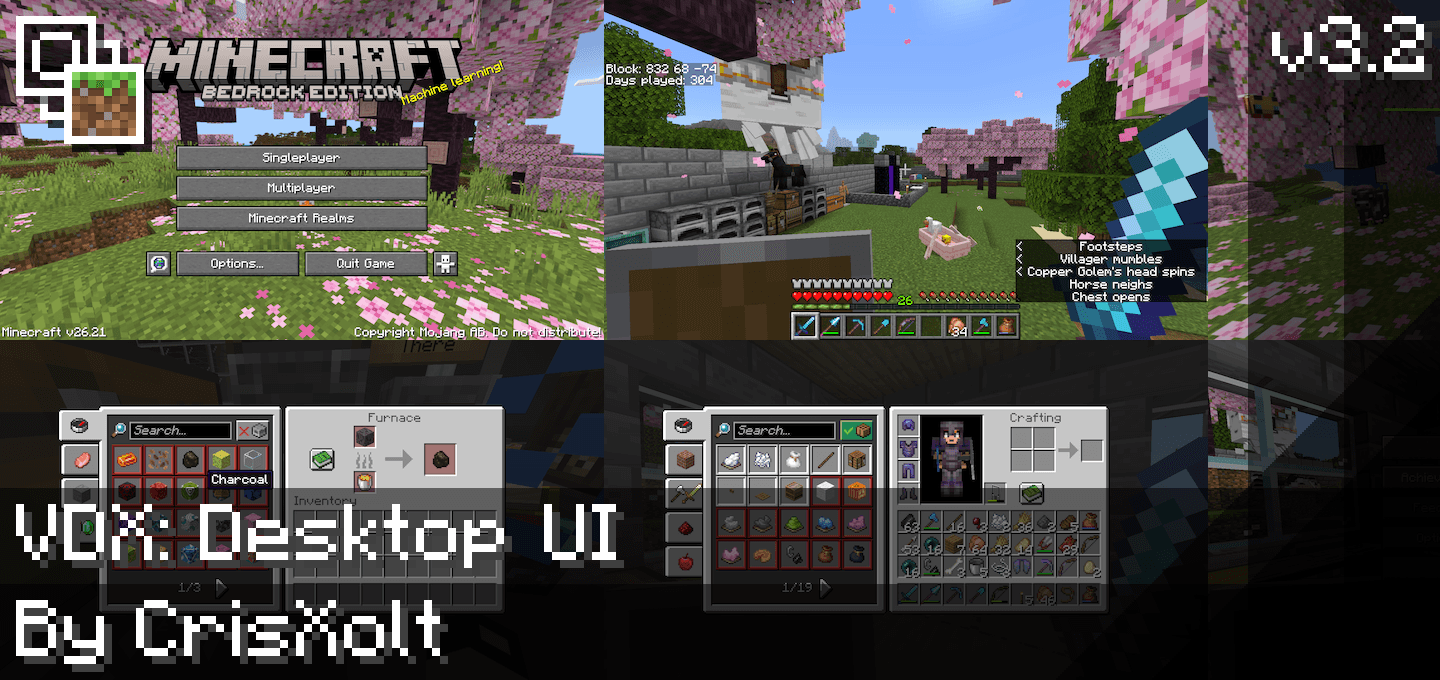
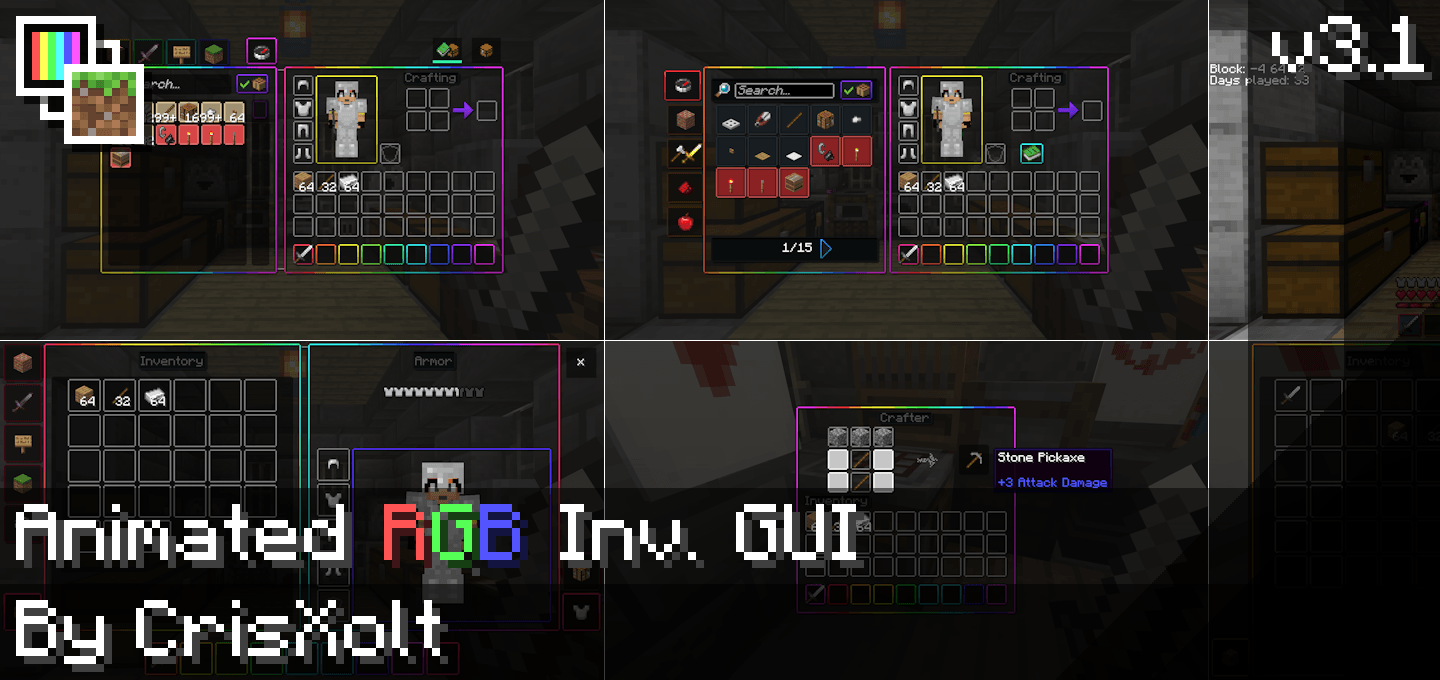
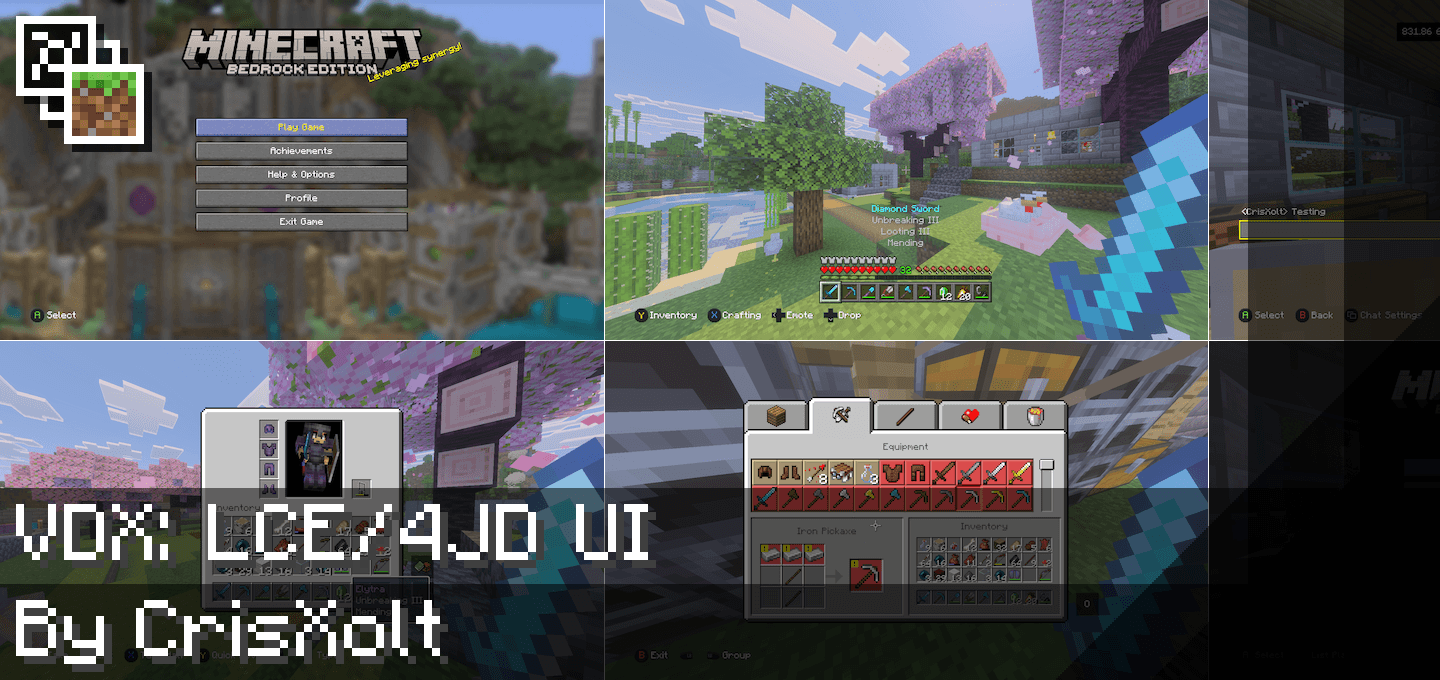
Installation Guides
 1
1
MarkerFanYT
June 24, 2026 at 3:44 am
idk if this is a bug or feature but the crosshair is invisible? (theres no other resource packs enabled)
 1
1
YovioficialMC
May 07, 2026 at 8:04 pm
This brings back memories of when I played Craftsman.😢
 1
1
FitzgeraldKomeiji
April 03, 2026 at 12:10 am
update all 3 of these addons to work on v26
 1
1
thenono48rayan
January 23, 2026 at 7:01 am
oh well it’s kinda broken now since the new minecraft ui has changed, i dunno if u will soon update it
 1
1
Lukajack1425
May 27, 2026 at 8:21 pm
the new ui is hardcoded which means you have to delete the new one just to change it and its nearly impossible
 1
1
AaronPena8692
November 27, 2025 at 8:49 pm
why don't you do Classic Edition UI look from 2011
 1
1
GKEVING9095
November 27, 2025 at 5:40 am
Efectivamente, has tenido una idea innovadora.
 1
1
Mr_Allay
October 27, 2025 at 12:27 pm
Pls update this texture pack we are begging of you
 1
1
AmMiner
July 17, 2025 at 3:04 am
CRIS MY MAN PLEWSSSEEEE UPDATE THIS MOD TOO IT'S SO UNDERRATED 🥀💔
 1
1
italumiO
April 26, 2025 at 7:04 pm
esse cara merece um prêmio
 1
1
Herobrine37440
April 21, 2025 at 6:11 am
The pack does not change the multiplayer UI :(((. why mojangggggggggggggggg
 1
1
Daviemcr
May 11, 2025 at 2:58 pm
because of the update
 1
1
Some random fella
April 17, 2025 at 3:49 am
I didn't see the warning before downloading and importing chat am I cooked
 1
1
BlainesterS
April 15, 2025 at 1:16 am
i played bedrock on pc when it was called windows 10 ed can you make a pack for that?
1
BlainesterS
April 15, 2025 at 1:19 am
and pls pls pls pls remove that ugly new world select screen
 1
1
clawhammer80
April 15, 2025 at 12:57 pm
He can’t, unfortunately. The new world select screen is part of a new UI engine that’s slowly being introduced called “Ore” UI and is hardcoded into the game, making it impossible to modify using resource packs.
 1
1
itzaddampr
August 05, 2025 at 3:33 am
This comment has been removed
1
itzaddampr
August 05, 2025 at 3:35 am
This comment has been removed
 1
1
saan1ty
April 04, 2025 at 12:35 pm
As of 1.21.71 for me the world selection menu has changed to the new one and no longer shows the old UI, is anybody else experiencing this issue?
 1
1
Kounpajs
February 28, 2025 at 10:39 am
PLEASE UPDATE IT PLEASE
 1
1
Darkstalker The Darkicewing
February 18, 2025 at 3:01 pm
Ah yes so nostalgic but where tf is meh health bar overall good pack