By Ange10mn
Published on 15 Sep, 2021
Updated on March 23, 2025
3.1

Xbox Classic Texture

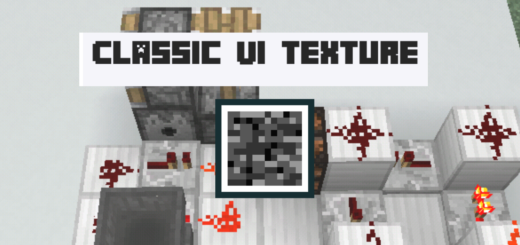
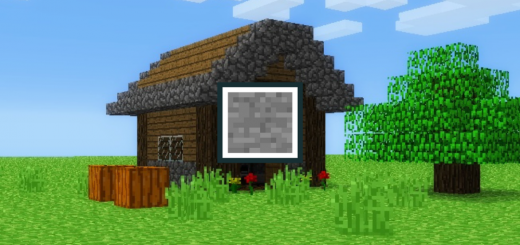
I made this texture so that your Minecraft looks like the Xbox console version, But I don't recommend combining this texture with my other texture: Golden Days Because there may be errors with the textures

Select version for changelog:

Changelog

Fix a textures and change textures

1.21 textures

1.22 beta textures

Installation

Downloads

  • Xbox_Classic_Vanilla_v2.mcpack (9.82 MB)

Resolutions

Installation Guides

Pinned comment
1
cool pack. i like legacy console edition.
1
Pack is missing the text in the button for Equip, Ride, Saddle and so on. Pls fix.
1
It doesn't let me download it and when I download it and see the file it has java stuff, you can make it compatible with bedrock and make the golem like the version 1.0 and not the classic version, also make the deepslate have the texture of the normal stone and warden concept
1
nice love the textures
1
for some reason there's a pink and black box🟪⬛ near the pause button and it's really annoying please can you fix it also can you reduce the fog
1
Pls make 1.19
1
Can you add an .mcpack
1
I knew it.. the console always have its own charming vibe on the graphic department.. and you nail it.. btw, can you update it to 1.18?? It will be very helpful.. :)
1
this is literally just the console graphics pack but you put an awful filter to look like theres a ton of bloom stolen files arent gonna get you big
1
hello i like mcpedl November 18, 2021 at 4:48 pm
You cant make textures lol 😂
1
This comment has been removed
1
i agree mrsaggynuts
1
He made jappa new blocks textures to look like console you prick

Amethyst and smoker and lectern and every other new block is not changed by the classic minecraft texture pack