
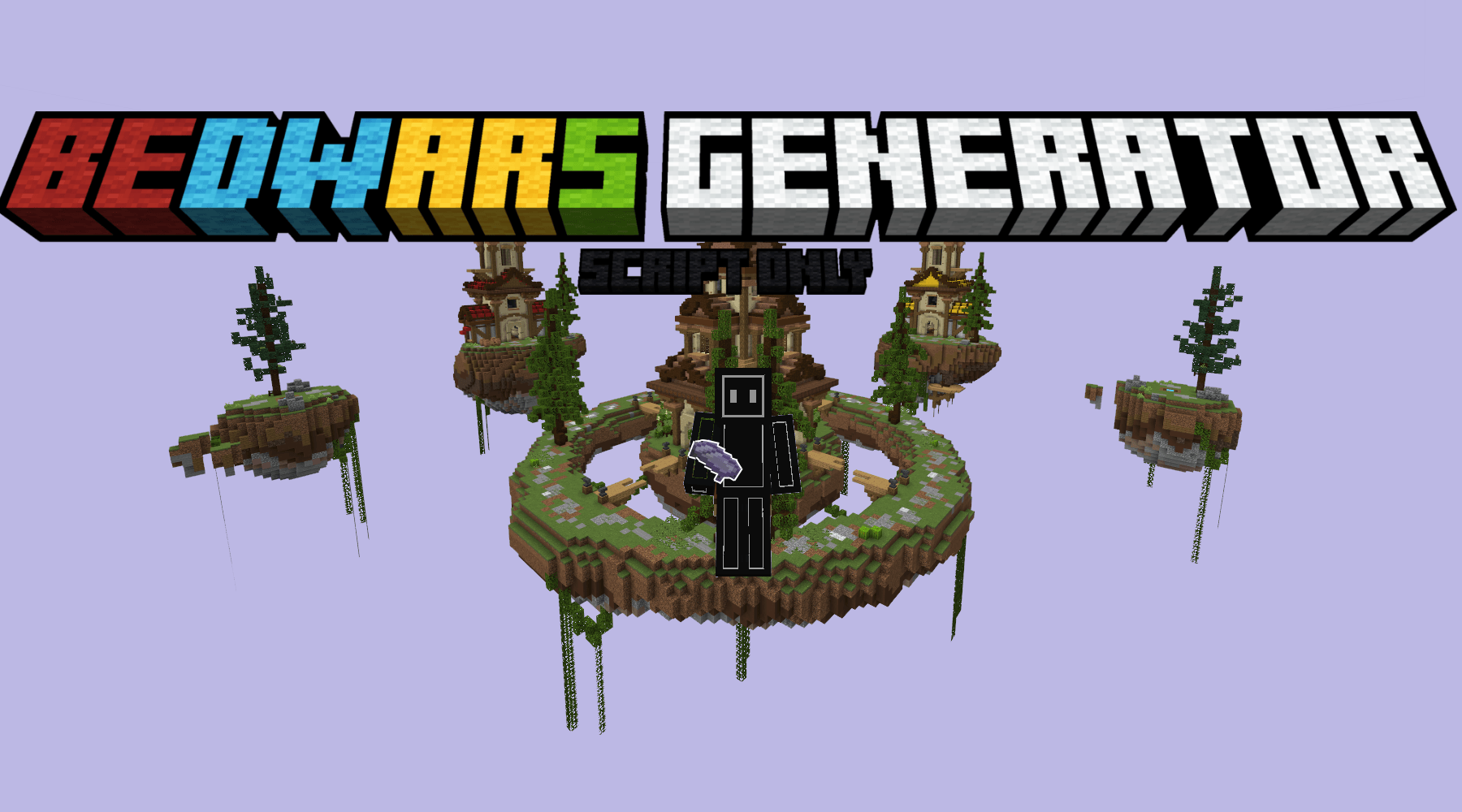
Bedwars Generator

8k
Select version for changelog:
Changelog
New Features & Major Changes
Flexible Match Starts!
- You no longer have to wait for a full lobby to start a game! We've added a "Minimum Players to Start" setting for each arena.
- The countdown will now automatically begin once the minimum player count is reached.
- For team modes (like Duos or Quads), the game will wait for teams to be even before starting the countdown to ensure fair matches.
Hybrid Queue System: Your Choice, Your Game!
- The main Global NPC will now place you in a random queue, finding the fastest way into a game by either filling a waiting match or starting a new one.
- You can now create dedicated NPCs for each specific map, allowing players to choose exactly which arena they want to play.
Arena Selection Menu
- Interacting with the old "Play Bedwars" NPC (if you choose not to use the random queue NPC) now opens a brand new UI that lists all available arenas, showing their current player count and match status (e.g., Waiting, In Progress).
Shop & Upgrade Customization
- Team-Colored Items: Any item in the shop can now be team-colored! A new "Color-code with Team Color" toggle has been added, so you can sell lime wool to the Lime team, red concrete to the Red team, and so on.
- Editable Item Icons: Made a mistake or want to change an item's look? You can now edit the icon path for any shop item directly from the configuration menu.
- Customizable Max Upgrade Levels: You can now change the maximum level for any team upgrade, giving you more control over the power progression in your games.
- "Start with Gold" Option: A new setting has been added to let team generators start at Level 1 (spawning gold) from the very beginning of a match.
lobby & NPC Configuration
- New NPC Interaction Settings: You now have more control over what happens when a player joins a queue. In the "Global Lobby Setup" menu, you can now configure:
- The gamemode players are put into (e.g., adventure, survival).
- Whether to clear the player's inventory upon joining.
Bug Fixes
- Fixed a critical bug where rapidly leaving and re-joining a queue could cause the "Leave Queue" item to disappear, trapping the player in the queue.
Supported Minecraft versions
You may also like...
Installation Guides
 1
1
BLA BLA bla 817
June 02, 2026 at 9:38 am
what is the map name
1
CTabdul15
June 02, 2026 at 4:33 pm
It's not a map it's a schematic file, and I converted it to a world. Just search for "schematic to world Minecraft Bedrock."