
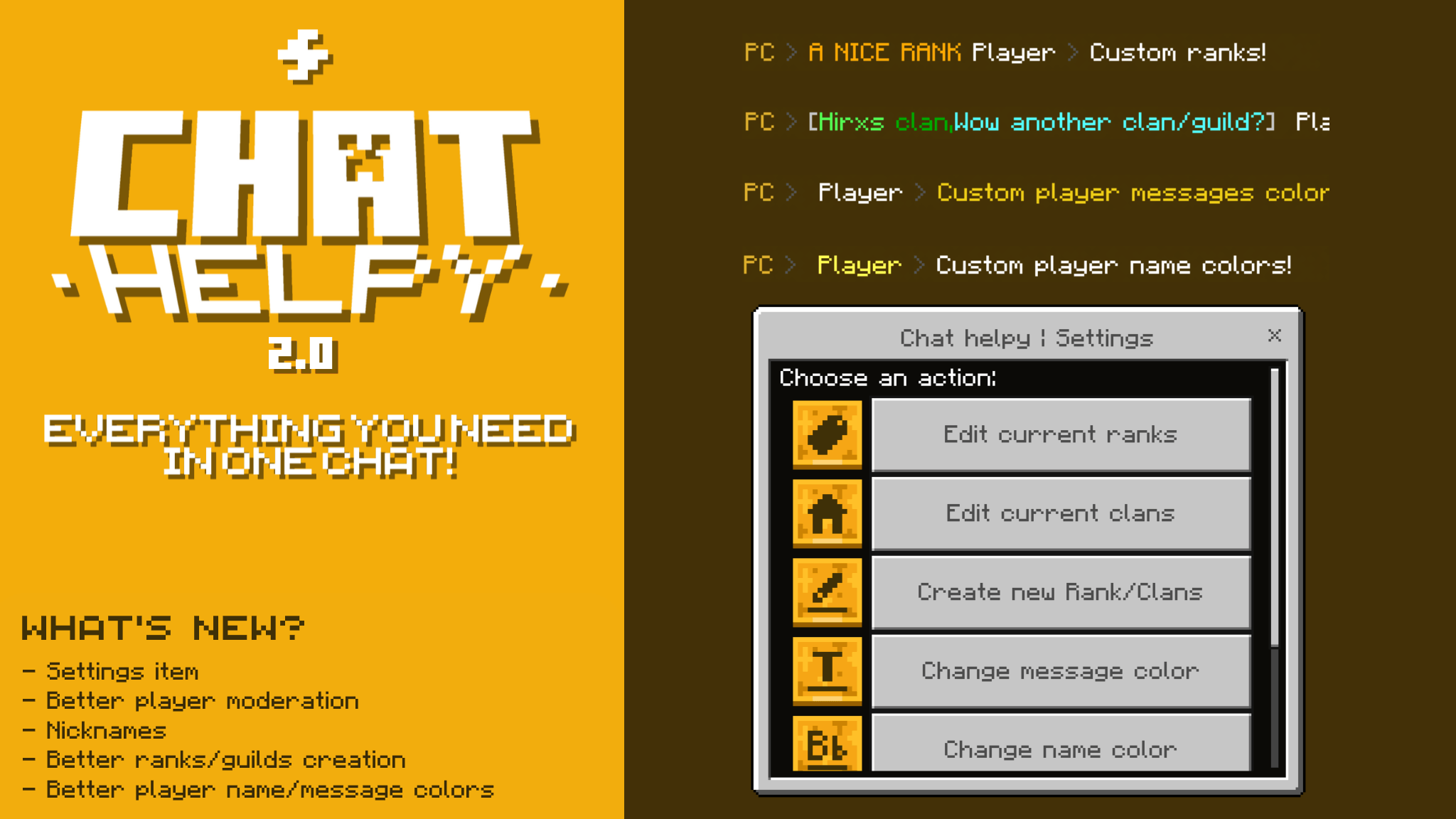
Chat Helpy

1.7k
Select version for changelog:
Changelog
"Get ready to take it to the next level"
HIGHLIGHTS
- New chat helpy settings menu
- Nickname system
- Code rework
- Rank/guild system reworked
NEW FEATURES
New chat helpy settings menu
- Now you can better customize your chat by limiting features to non-admin/op users, assigning ranks/guilds to users, moderation, and much more!
- This menu opens with the new "Helpy-tab
" item which includes a menu with many different options
Nicknames
- Customizations are not only unlimited to ranks, colors and more, too nicknames!
- You can even change a player's name from the moderation menu! (op/admin required)
New rank/guild creation system
- Now ranks/guilds are made under a form in which you can manually choose the text format to use or if you prefer to do it manually/custom
Kick and Mute
- The mute system has also been improved and a new option has been added, kick, now you can kick those malicious players
De-op/regular player system
- Players who do not have admin permissions will be able to access a very basic personal settings menu where they have access to things like nickname, name color/message
Default rank
- The possibility of creating a default global rank has also been added, any player who enters the world will obtain this rank
Downloads
- Chat Helpy - v2 | 1.21.70 (31.25 KB)

💻 Don't worry, here are two solutions
- Check that you actually have OP in that world
- Add the "admin" tag with [/tag (player-name) add admin]
(The moderation section currently has a bug & global chat, only works for regular worlds and OP players)
💻 Don't worry, here are two solutions
- Check that you actually have OP in that world
- Add the "admin" tag with [/tag (player-name) add admin]
(The moderation section currently has a bug & global chat, only works for regular worlds and OP players)
i am owner of my realm and i cant do anything besides change my nickname and colours-
/tag [username] add admin