
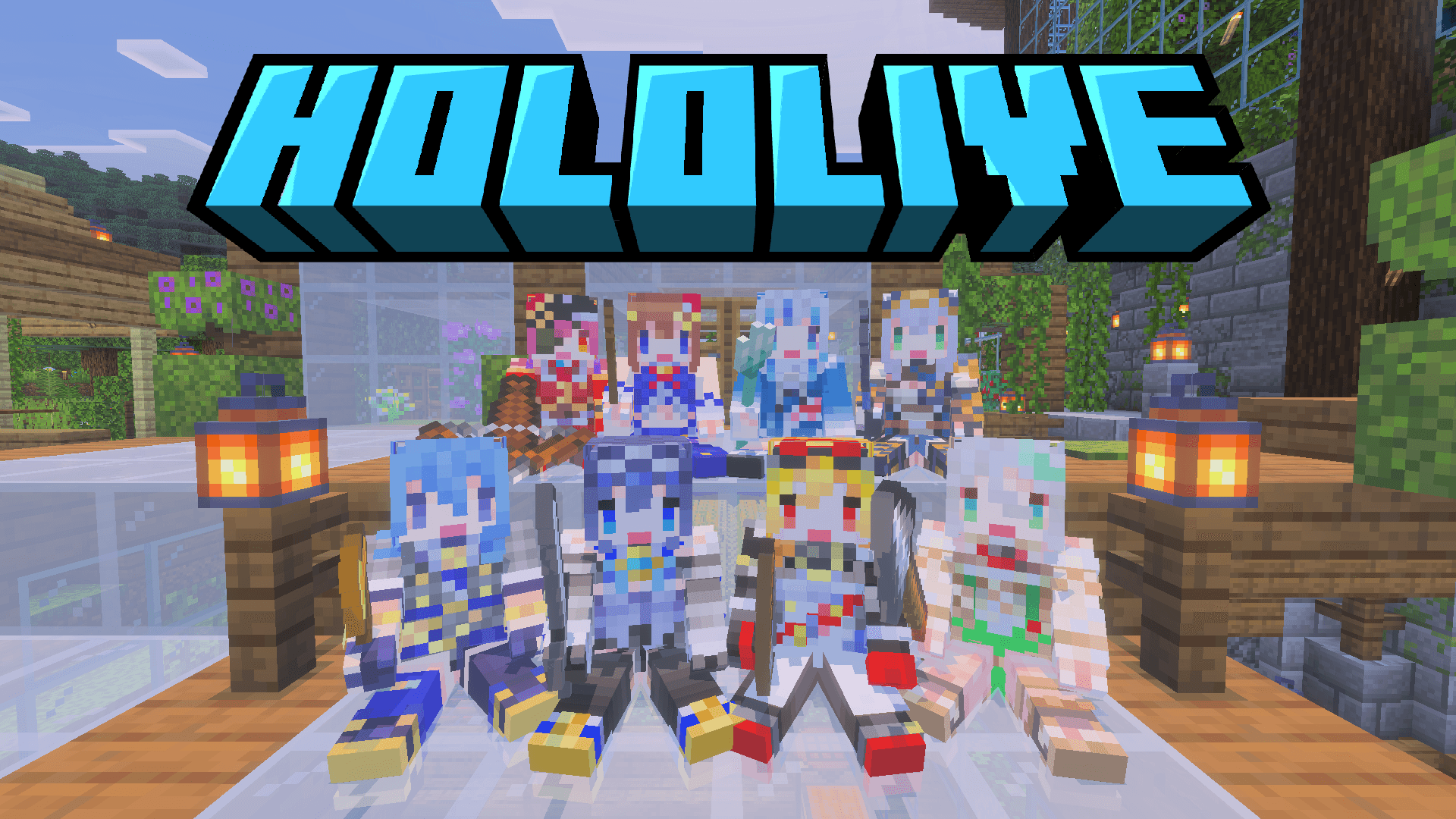
Hololive Addon

455
Select version for changelog:
Changelog
Initial Beta Release
Downloads
- Hololive-v0.1.mcaddon (3.08 MB)
You may also like...
Installation Guides
 1
1
Kirbyz
June 16, 2026 at 9:43 pm
how do you open the UI?
1
Kan Bedrock
June 17, 2026 at 3:48 am
To open the UI of a character, you need to crouch (hold Shift) and right-click them. It's similar to making them sit or stand up, but instead of using the regular interaction button, you have to hit them (right-click/attack button) while crouching. Also, please note that you can only open the UI for characters you have already tamed (don't worry, they won't take any damage from your hits).