
Minecraft But The World Hates You (Efficiency Update)

Minecraft But The World Hates You (Efficiency Update)

By TXOG Published 15 Nov 2020 · Updated 2 Dec 2020
5

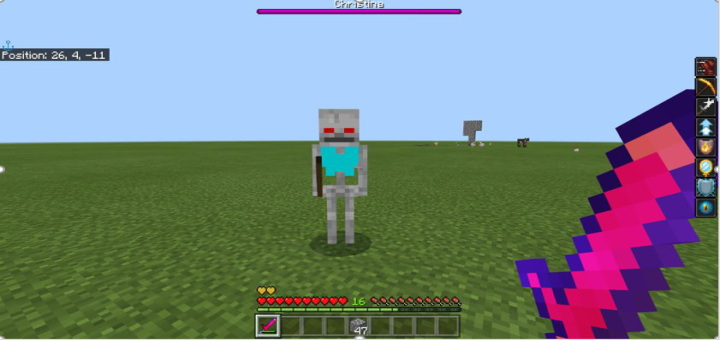
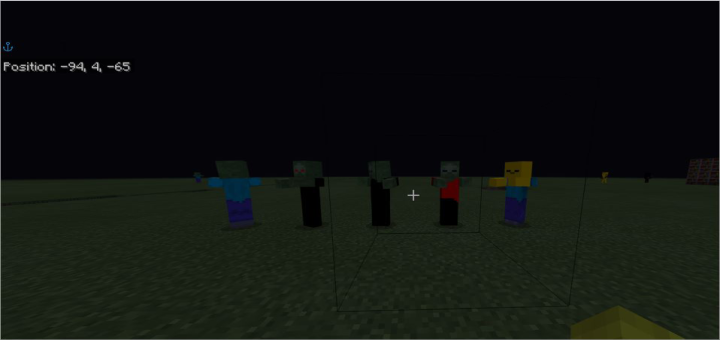
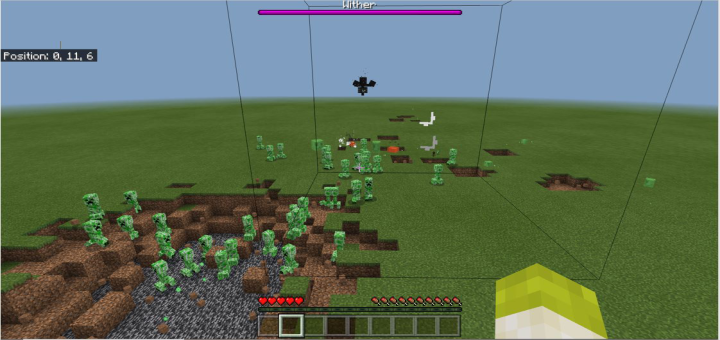
I was bored one day and was watching a Fundy YouTube video. It reminded me of his impossible difficulties. I don't want to make Minecraft impossible, but I want to cause people as much discomfort as possible. Therefore, my plan was simple. Make it feel like the world hates you. I know. Really original. Basically, this pack makes Minecraft a lot harder. I found that on my bad PC, in some cases, the game was lagging a lot. Considering that the never happens in vanilla, I realized that it was my addon ... Dun Dun DUN! So, I messed around with the code, removed what was not required, and it magically doesn't lag anymore. ENJOY!

Select version for changelog:

Changelog
  • Updated .JSON files to help combat lag
  • Added info about Insomnia 

Installation

Supported Minecraft versions

Installation Guides

Pinned comment
1
How to fix import:
1. Rename the .mcpack to .mcaddon
2. Open with Minecraft
3. Rate this addon 5 stars
I did all 3 and it imports fine.
1
How to fix import:
1. Rename the .mcpack to .mcaddon
2. Open with Minecraft
3. Rate this addon 5 stars
I did all 3 and it imports fine.
1
Lmao first time checking this page since 2 years, the support pretty damn good. Might get back into modding
1
This was on mobile btw
1
For future reference, .mcpack is for resource packs only, whereas .mcaddon is for just behaviour or behaviour and resource packs. Funny thing is, I know how to do the file bit of addons, but none of the rest. You are a great addon maker, keep it up! :)
1
It doesn't work at all.
1
It does work. Trust me. There could be several issues that I can tell you how to address. Firstly, (every creator says this so I didn't think I needed to mention it) make sure you have experimental game play on. If your issue is online multiplayer, on some PCs it works but on others it doesn't (I think it was an issue because the original version had scripts). As I said in the installation details - importing the pack doesn't work on my PC - I have no idea what is wrong, but the pack will work if you drag it into your behavior packs folder in com.mojang. Your path should look like 'C:\Users\YOU\AppData\Local\Packages\Microsoft.MinecraftUWP_8wekyb3d8bbwe\LocalState\games\com.mojang'. This pack is not made for mobile so that could be your issue. Apart from that, my friends have downloaded it and it has run fine in their minecraft. I hope this could help anyone who is struggling to get it working...