
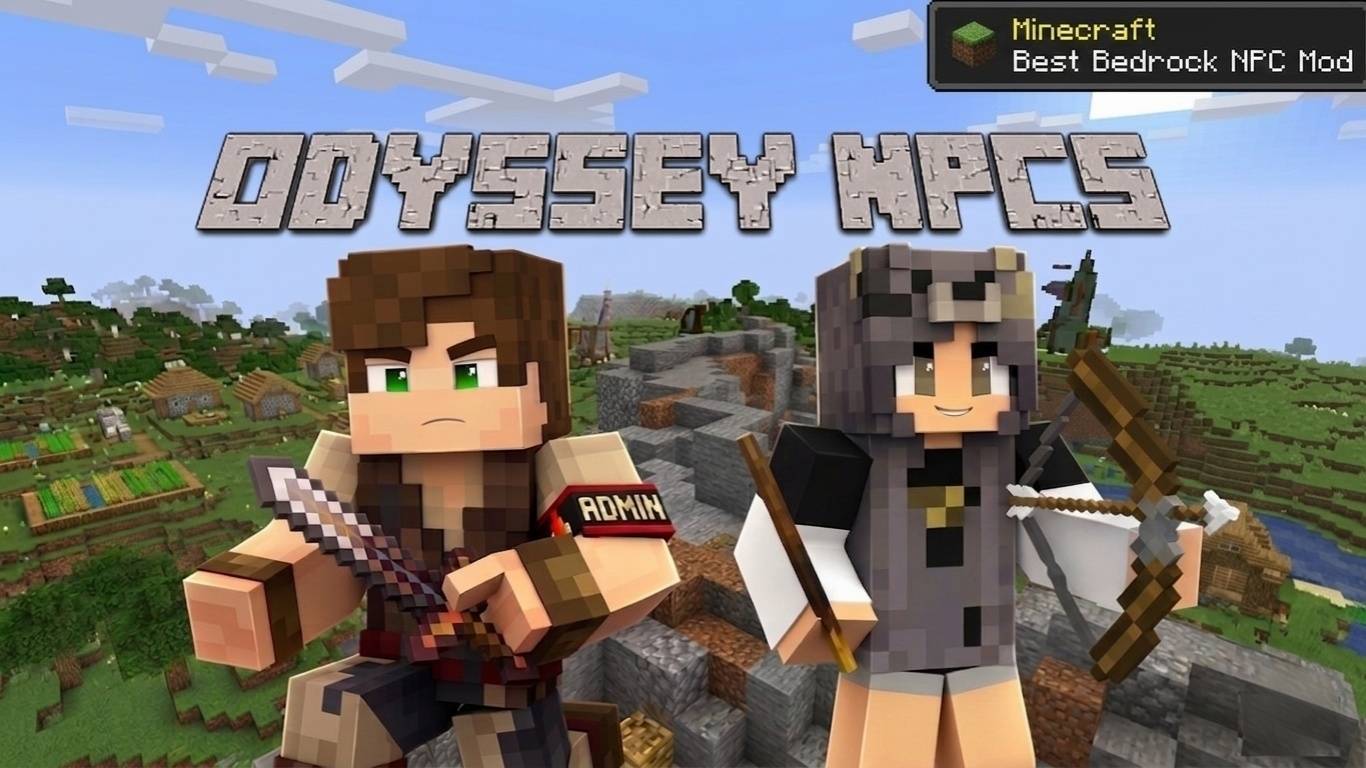
Odyssey NPCs
Select version for changelog:
Odyssey NPCs V1.0.1 - Critical Maintenance & Optimization Hotfix
Thank you all for the amazing support and reaching over 1.7K+ downloads in just the first few days! I've been closely monitoring your feedback. This hotfix is deployed to solidify the framework's foundation, resolve visual UI glitches, and patch critical exploits that could disrupt your server's economy.
🛠️ UI & Performance Optimization
Emoji & Icon Cleanup: All Unicode emojis and special characters causing visual glitches in the UI have been removed. The interface is now much cleaner and 100% compatible with Minecraft's vanilla font rendering.
Memory (RAM) Optimization: Background objects holding unnecessary icon data have been completely removed from the system, reducing the memory load on devices.
NameTag Fix: The emoji-filled square brackets around NPC names have been removed. The NameTags now display clearly and cleanly.
Menu Text Formatting: Text formatting issues causing words to stick together in UI menus (e.g.,
State: WanderingSkin: Skin 1) have been fixed with proper line break (\n) integration.Dynamic Shop Texts: Incorrect value displays in the trade menu have been fixed and properly linked to the localization files.
🐛 Critical Bug Fixes & Systems
🚨 [CRITICAL EXPLOIT PATCHED]: Completely resolved a duplication exploit in "Collect" quests that allowed players to receive infinite rewards using the UI without actually delivering the items.
New Item Collection Tracker: Added a brand-new, flawless "Delta Tracker" system for collection quests that instantly detects items from chests/crafting/trading without spamming the chat.
Admin Wand Interaction Conflict: Fixed the issue where clicking an NPC with the Admin Wand would simultaneously claim ownership and open the menu. This is now properly isolated using a smart Raycast filter.
Automatic RP/BP Activation: Resolved Minecraft Bedrock's "ghost cache" issue by generating fresh UUIDs and properly linking the packs. The Resource Pack is now automatically recognized when the Behavior Pack is installed.
As always, Odyssey NPCs continues to run completely on the Stable API—absolutely ZERO experimental toggles or Beta APIs required!
Since Odyssey NPCs is designed as a "Framework", NPCs will never randomly spawn on their own. This is completely intentional, so they don't mess up your custom builds, SMP servers, or adventure map layouts. You have 100% control over exactly where every single NPC is placed!
To spawn them, you can either use the Spawn Egg in Creative Mode, or use the "NPC Contract" system if you are playing in Survival Mode. This way, your world stays clean and organized exactly how you want it.
To set things up, you must switch the addon's internal mode to Server Mode using the Admin Wand. However, because you are the Admin/Owner, the NPC treats you as the creator, not the customer. If you want to test or use the shops and quests yourself, you need to open the NPC menu, go to the Ownership category, and remove your ownership. Once you do that, you will become a regular player and can fully interact with the quests and shops.
Don't worry about losing your NPC—if you ever want to get your ownership back to edit it again, simply right-click the NPC with the Admin Wand and you will instantly become the owner again!
If you are playing in Survival Mode, you spawn them using the NPC Contract system. Here is exactly how to create and use it:
Make sure you have 1 Emerald, 1 Paper, and 1 Ink Sac in your inventory.
Hold the Paper in your main hand.
Crouch (sneak) and right-click (interact). This will automatically consume the ingredients from your inventory and turn your paper into an NPC Contract.
Finally, just hold the NPC Contract and right-click on the ground to spawn your NPC!
In server mode, this system is not working, you just need to use npc spawn egg!
For this first version, I strictly focused on vanilla equipment. Since I built this entire framework with a strict 'Zero Beta APIs' policy to ensure 100% stability and prevent world corruption, cross-mod compatibility was left out of V1.
However, making the equipment system fully compatible with custom items from epic add-ons like Epic Knights is definitely on my radar for future updates. Stay tuned!
1. Remove Odyssey NPCs from Minecraft if already installed.
2. Extract the OdysseyNPCs.mcaddon file using ZArchiver or a similar app.
3. Extract rp.mcpack.
4. Go to:
textures/entity/custom_npc
5. Replace one of the existing skins (skin_0.png → skin_9.png) with your own skin.
IMPORTANT:
* Skin must be 64x64
* PNG format only
* Use the exact same file name (example: skin_0.png)
6. Compress the extracted rp.mcpack files back into a ZIP archive and rename it to rp.mcpack.
7. Compress both rp.mcpack and bp.mcpack together and rename the final file to OdysseyNPCs.mcaddon
8. Import the new .mcaddon file into Minecraft.
⚠️ Recommended: Test in a NEW world first. Old worlds may still show cached skins from the original addon.