
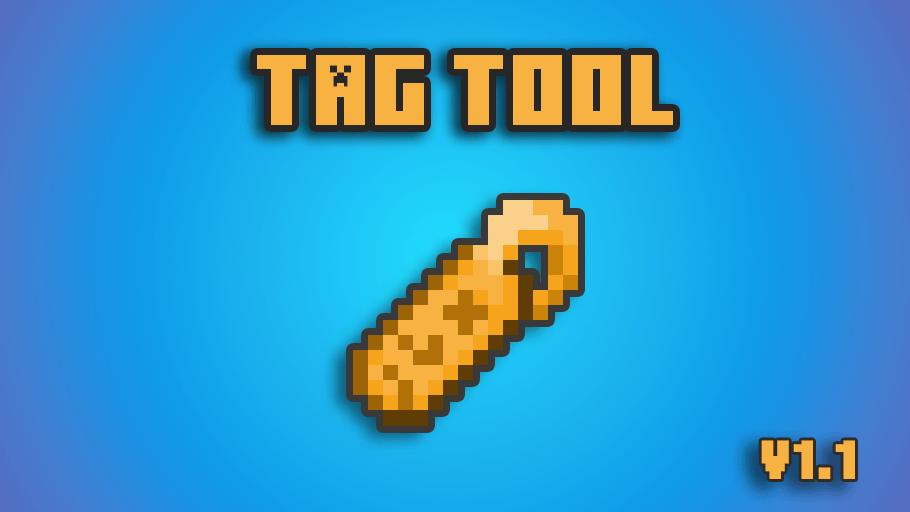
Tag Tool (Achievement Friendly)

345
Select version for changelog:
Changelog
Changelog
1.1.0 — 2026-06-28
Heads up: Tag Tool now needs Minecraft Bedrock 1.21.140 or newer to run.
Added
- A Settings menu where operators can set shared options for the whole server.
- Presets so you can apply common tags in one tap. Add your own, remove ones you do not use, or reset them back to the defaults. The starting presets are trusted, builder, moderator, vip, and member.
- Bulk Edit for adding or removing several tags at once instead of one at a time.
- Undo Last Change so you can reverse your last single or bulk edit if you slip up.
- Recent Changes, a log that keeps the last 50 tag changes so you can see what happened.
- An optional confirmation before a tag is removed, which you can turn on or off in Settings.
- Player search and page navigation for worlds with a lot of players online.
- Tag search and page navigation for players who have a lot of tags.
- Tag counts next to each player in the picker so you can see who has what at a glance.
- Operator messages that announce tag changes so your team stays in the loop.
- A backup way in: anyone with the op, operator, or admin tag can open the tool even without operator permissions.
- A separate confirmation before granting or removing the op, operator, or admin tags, with a warning if you are about to take away someone's only way to access the tool.
- Icons on every menu button to make things easier to read at a glance.
Changed
- The Tag Tool item now stacks to 1 instead of 64, so it acts like a proper tool.
- Your current tags now show up as buttons you can tap to remove.
- After a successful change you get the option to Manage More, finish with Done, or Undo right away.
- Tags are now listed in alphabetical order.
- Tags can be up to 255 characters long.
- When the remove confirmation is turned off, the Tag Manager now reminds you that a tap removes a tag instantly.
Fixed
- Failed tag changes no longer slip by quietly. If something does not go through, you will know about it.
- Cleaned up what happens when a player leaves the world while their menu is still open.
You may also like...

Installation Guides
 1
1
God jj13511514
March 19, 2026 at 5:09 pm
u improved my server
1
God jj13511514
March 19, 2026 at 5:09 pm
Good thing