Chroma Circle Touch - PE only

Chroma Circle Touch - PE only

By Alexansolo Published 4 Nov 2019
4.5

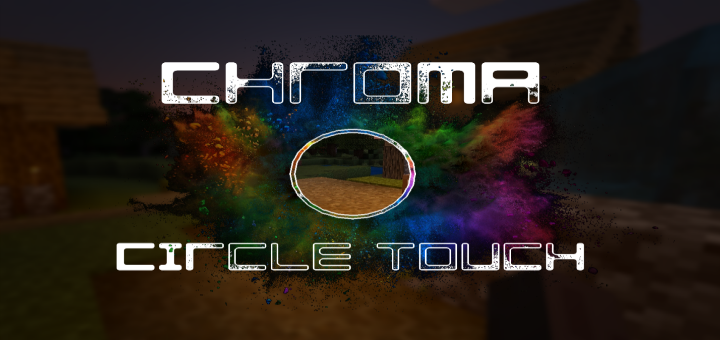
Although the Chroma Circle Touch change is useless, it will allow you to use its chroma version instead of the usual white circle touch. Minor addition will brighten up your pastime :)
Installation

Supported Minecraft versions

Resolutions

Installation Guides

1
RGB circle touch
"Warning! This website contains malware. Visiting this website may harm your computer!" -modern day wifi rouders
1
heres the link lol
This comment has been removed
1
heres the link lol
The chromact.mcpack file..
..is a zip file.
1
I can't skip ads?
Hey, could you think you can make this with the normal crosshair???
Can you change the size???
BTW this is the best XD
This makes it look so much more appealing, Thank u!
For some reason, the circle doesn’t appear when I turn this on (I’m on 1.13)
1
I don’t understand what this may be connected with, perhaps you have a resource that prevents this.
1
I didn’t have any resource pack on ._. I tried to change some settings and still didn’t work
bruh same mcpe 1.13 has a problem with it
1
Apparently you can add GIFs into submissions... Otherwise, nice resource pa-... Wait the minute. That effect seems familiar... Oh yeah I saw it on shadertoy.com/new that's the place.
I love this but why is the split version doesn't Work on 1.12?
BTW can i use this pack for youtube video
I will put the mcpedl link
1
I use the crosshair because is more easy to play. This looks very great and I will like to see someting similar for the ugly white default crosshair. Good job!
Can you make a split control version
1
I tried to implement this with the classic stretching of the canvas and adding new frames to it, but this does not work for ui textures, but only for blocks and objects, well, or I don’t understand something?