
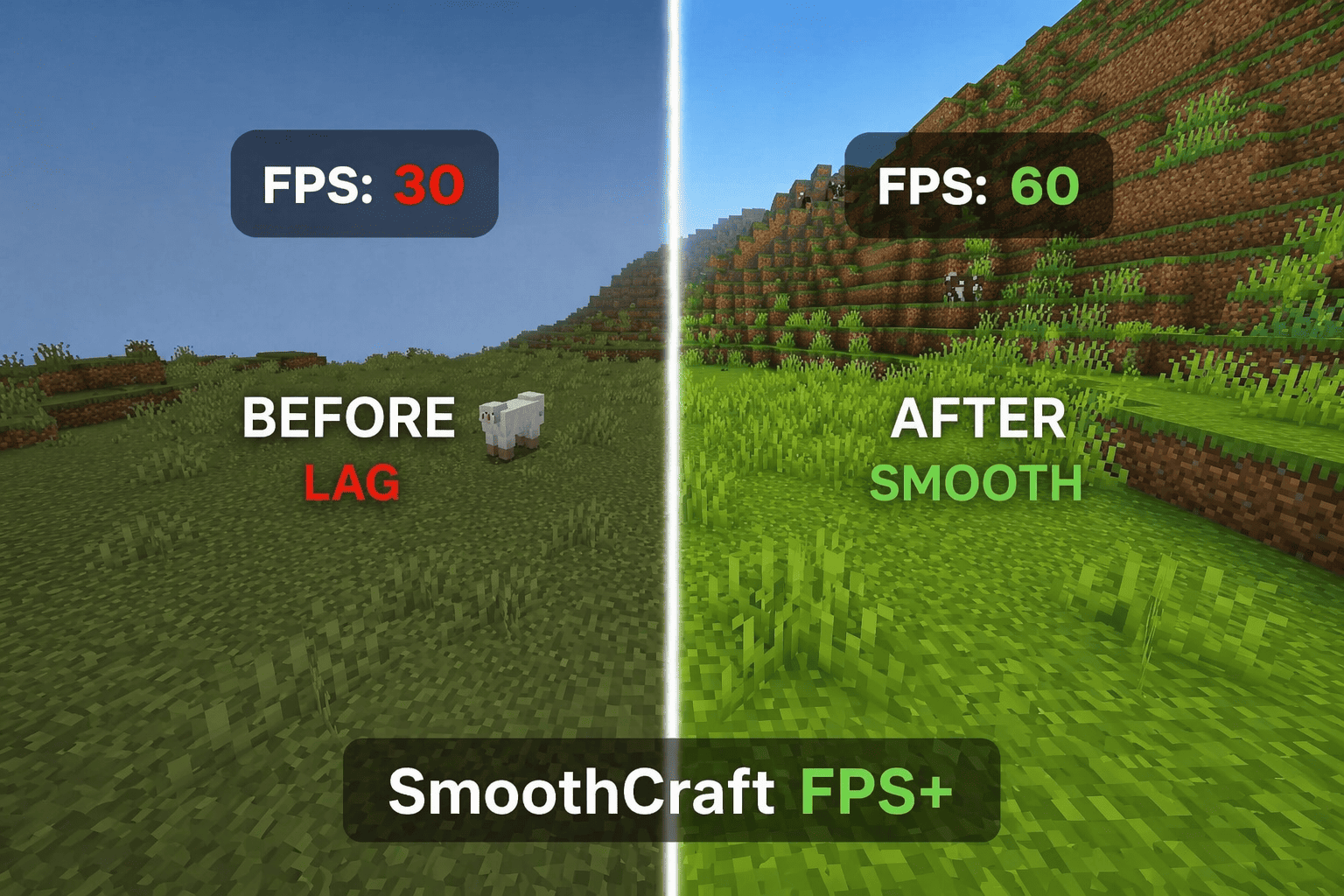
SmoothCraft FPS+

43.5k
Select version for changelog:
Changelog
Bug fixes
Downloads
- smoothcraft fps+.mcpack (1.59 MB)
You may also like...


Installation Guides
 1
1
Ilikemaces
May 23, 2026 at 12:16 am
makes vibrant visuals less laggier? I use rtx 5090 I bought for 30 dollars I don't know why laggy
 1
1
viodrixzyz
May 24, 2026 at 7:26 am
DAWG. 5090 is around 3000 dollars, where did you find a 30💔🥀
 1
1
carter335
May 21, 2026 at 12:59 am
does this work with vvibrant visuals
1
NetherFun
May 21, 2026 at 1:04 am
Yes
1
viodrixzyz
May 19, 2026 at 6:49 am
I kinda wish it would make fire, shields, and swords small but overall it's a great texture pack and helped me win a bunch of games. 5 stars definitely (edit: THANK YOU SO MUCH FOR ADDING SHORT SWORDS now make shields and fire low)
1
NetherFun
May 19, 2026 at 7:05 am
I will try to add those features as soon as possible. Thanks for the feedback.
1
viodrixzyz
May 24, 2026 at 7:26 am
thanks you!
 1
1
ᶻᵉᵃˡᵖʳᵒᵒᶠ
May 19, 2026 at 5:25 am
Dude you've been making the same 5 packs and still made a new one, PLEASE just update your old ones instead of making slop packs like this
1
NetherFun
May 19, 2026 at 6:37 am
First, I update my packs once a week. Also, Bedrock Edition doesn't allow modifying much besides textures, so making performance packs with these limitations isn't as easy as you might think. If you have any suggestions, feel free to tell me what you'd like to see added or improved in my packs.
 1
1
ZadeBlox
May 12, 2026 at 5:36 pm
how do I use it
 1
1
WitheredPockerEDITION
May 12, 2026 at 7:09 pm
bro 💔🥀
 1
1
NaifGD
April 09, 2026 at 2:37 am
no
1
NaifGD
April 09, 2026 at 2:37 am
hopper texture
 1
1
hyperbaiter
March 31, 2026 at 11:28 pm
can this make vibrant visuals smooth
1
NetherFun
March 31, 2026 at 11:54 pm
Yes! SmoothCraft FPS can improve performance with Vibrant Visuals by reducing lag from UI, particles, and animations.However, Vibrant Visuals shaders are still heavy, so performance gain depends on your device. For best results, use lower settings in the shader.