
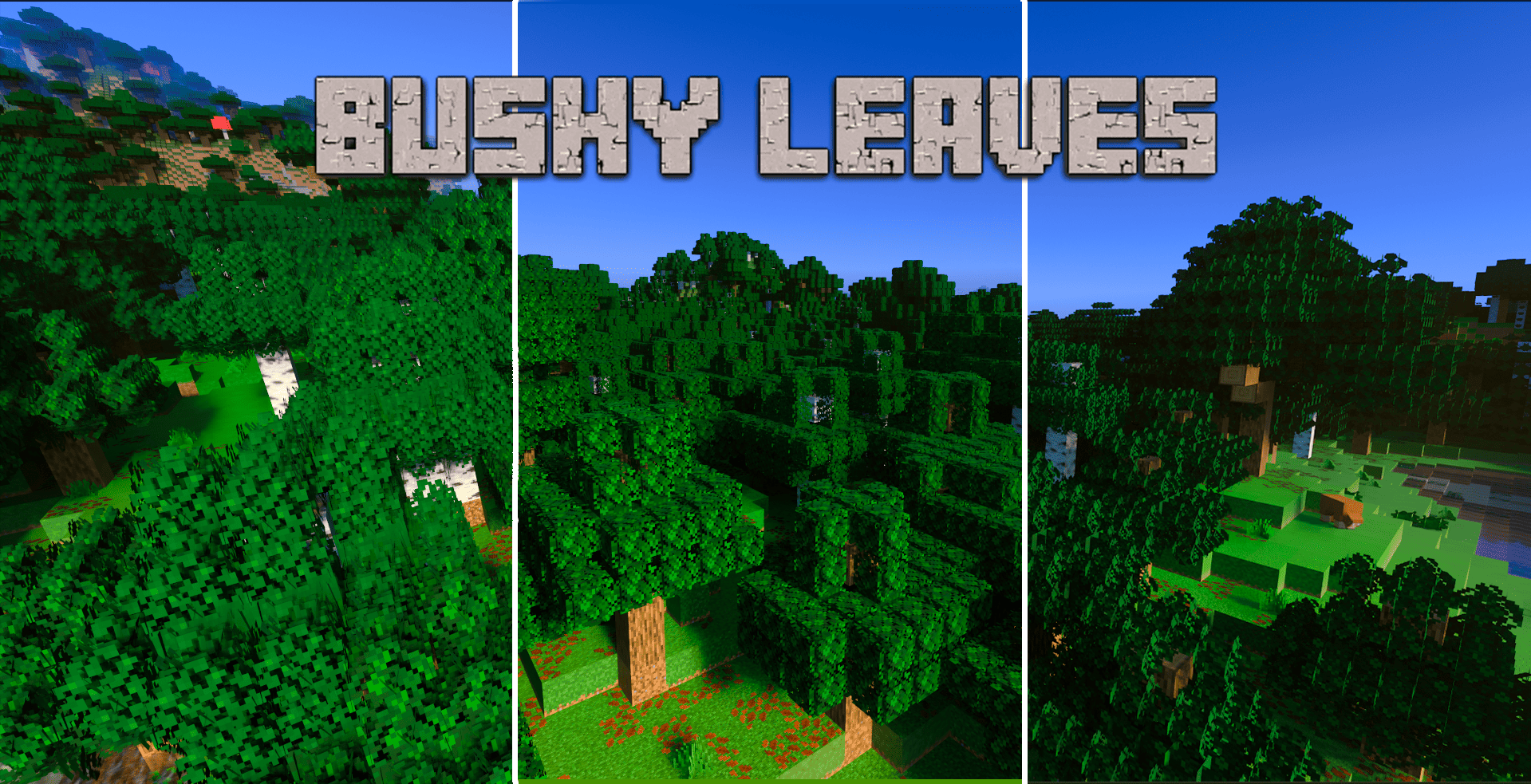
Bushy trees

47.4k
Select version for changelog:
Changelog
Global changelog
- The textures of bushy leaves were changed and now better fit the environment
- Added resource pack modes so it is going to be easier to choose the style.
- The resource pack is now translated to Russian language.
Technical chagelog
- Removed unused license file
- Removed useless dependencies in the resource pack manifest
Downloads
- Bushy leaves 1.2 (708.34 KB)
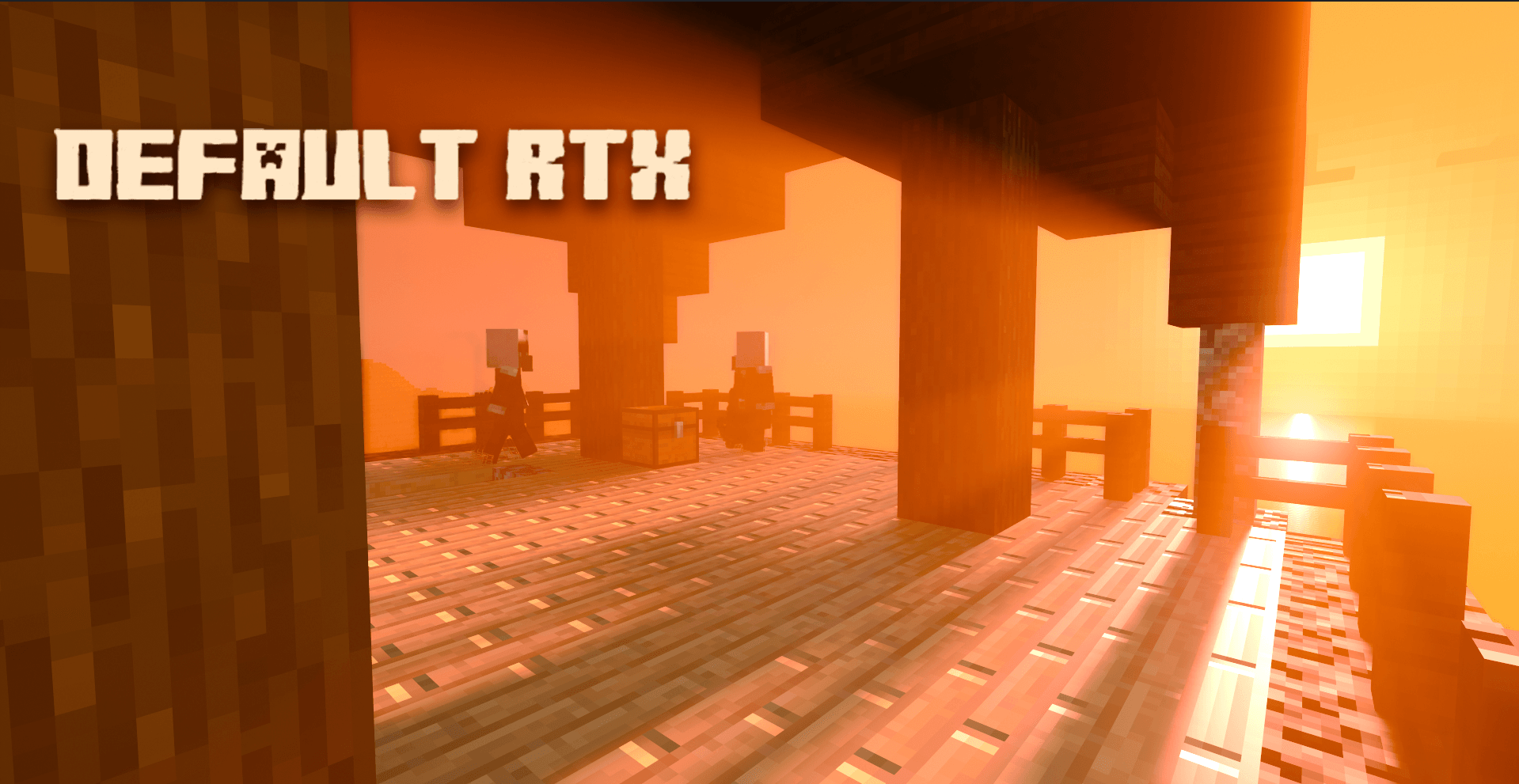
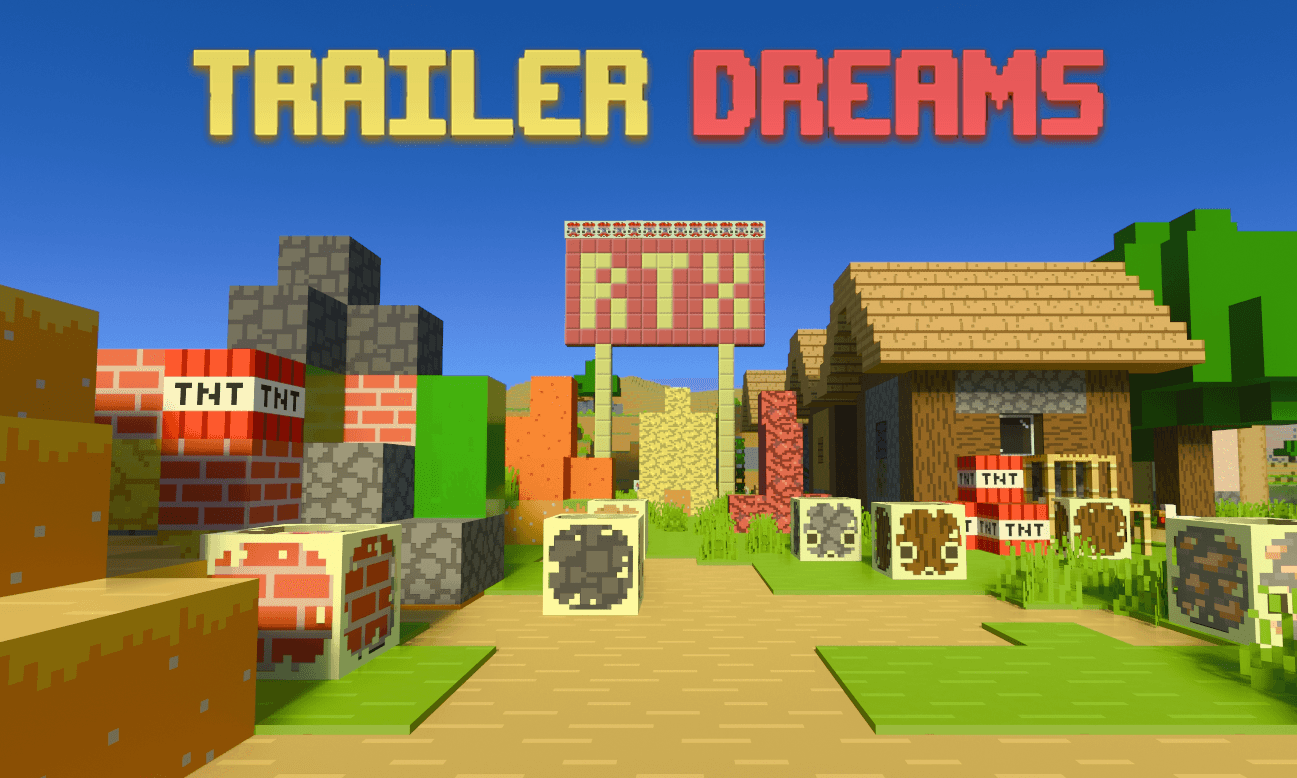
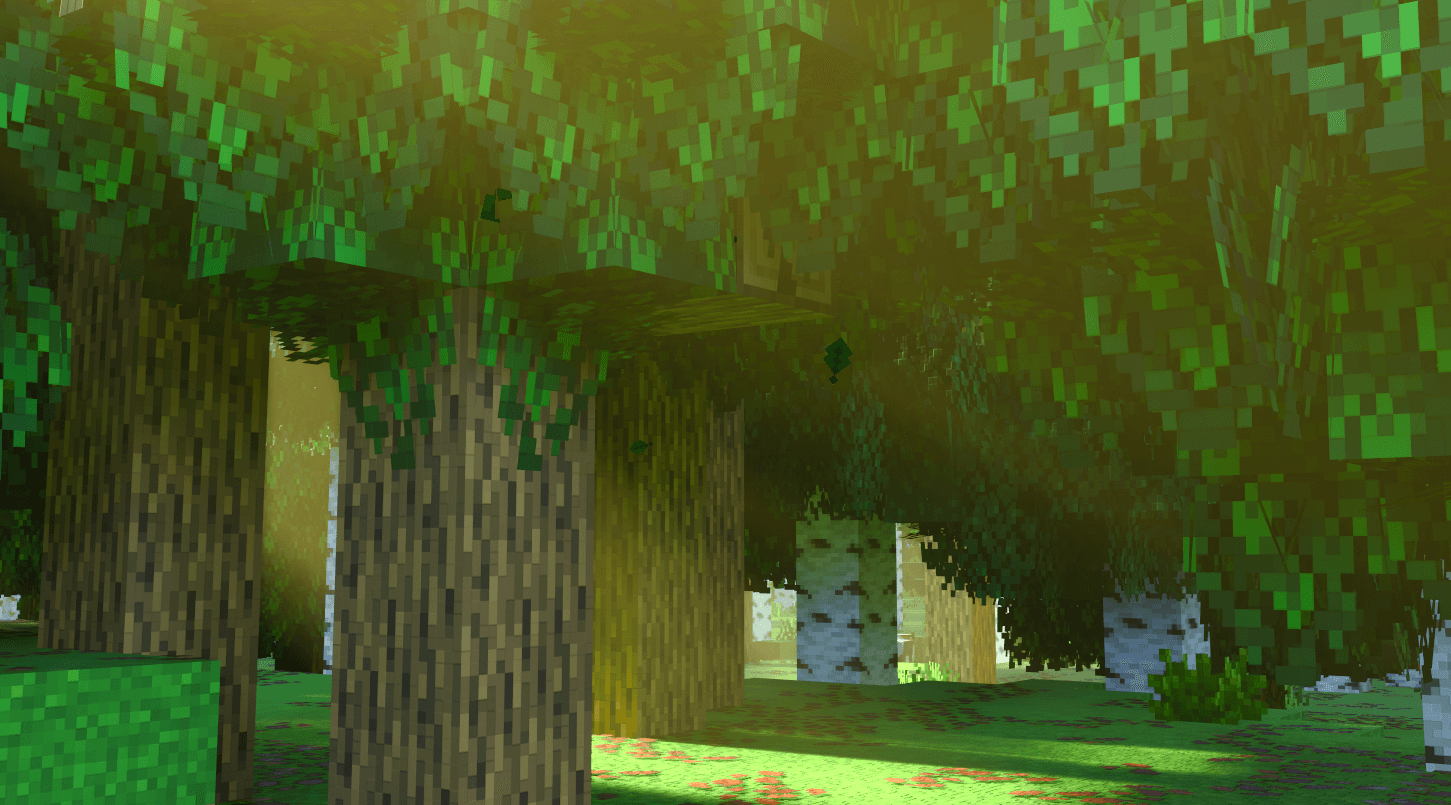
1. 𝗜𝗻𝘃𝗶𝘀𝗶𝗯𝗹𝗲 𝗹𝗲𝗮𝘃𝗲𝘀. For example, if you place a leaf block on top of another block and then destroy the block underneath it, the leaf becomes invisible. The same thing also happens with trees — the leaves at the very bottom (though not on all trees) become invisible because there is no supporting block underneath them. Because of this, when I’m playing survival I sometimes run into invisible leaves.
2. 𝗦𝗼𝗺𝗲 𝗹𝗲𝗮𝗳 𝘁𝗲𝘅𝘁𝘂𝗿𝗲𝘀 𝗮𝗿𝗲 𝗻𝗼𝘁 𝗳𝘂𝗹𝗹𝘆 𝗿𝗲𝗻𝗱𝗲𝗿𝗲𝗱. Sometimes at the top of trees the leaf texture appears as if it is only a single leaf / one side, which makes it look like vines but with leaf textures floating at the top of the tree. If you want to see this issue, try using this texture and go to the Taiga biome.
If this bug can be fixed, this will become the best bushy leaves texture pack for Minecraft Bedrock right now! After that, it will just depend on how the creator updates the leaf designs in future updates.
Thank you for your feedback.
You've described some issues happening with my resource pack, so I am going to talk about that. Let's start with the first one - invisibile leaves. In minecraft bedrock, we can't make custom models for vanilla blocks. But we can change the vanilla model of any block. Those models are called blockshapes. That's what I've been using to create this resource pack. The problem is that the block shape this pack is using doesn't render if there aren't blocks next to it. So sadly, this is not fixable. Let's talk about the second issue. This issue, just as the first one, happens because unique rendering of the block shape this resource pack is using. Altough, this is something I don't want to fix, because i like it. This resource pack doesn't get updates really often, because I have other projects I am currently working with. I have "Lightning path RTX" resource pack which also uses bushy leaves, but they look better in that pack at the moment. I think I will 100% imprve this resource pack in the future, when I finish working on other resource packs or projects I need to upload in the future.
I hope you understand me, so that's all I wanted to tell you.
Best wishes,
Pawslight
Thank you for your comment.
I want to tell you something. The colour of the model looks similar to vanilla one, but the model is glowing if you use fancy graphics mode. I can't do anything with that. If you want to have less issues, you can use ray tracing/vibrant visuals graphics mode, because they solve some visual problems.
Best wishes,
PawsLight.