[Edit] Feb 21, 2025
~ Some people managed to get it working for short amount of time by clearing 'cache' and opening the game in offline. So if backing up is urgent, this trick may help you.
And I strongly suggest you to use 'External' in game settings for data location. So even if this mod doesn't work, you will be able to backup worlds using external tools like Shizuku, ZArchiver or 'adb pull' using a PC.
[Edit] Nov 29, 2024
It's funny people giving 1 star ratings just because it doesn't work on latest version.
Even though it's not possible to modify new UI related files using resource packs.
---------------
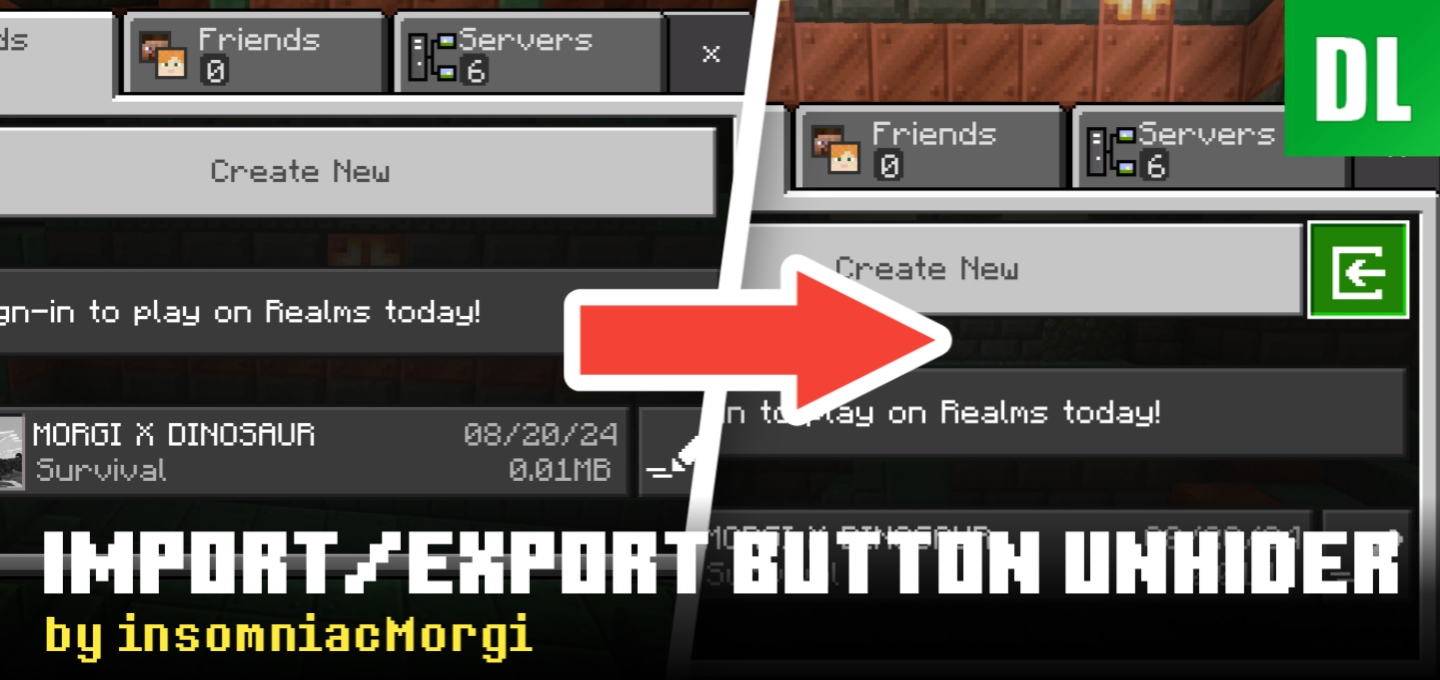
Mojang has changed the world edit screen. Now it features new style. And I don't know if it's possible to revert back to old style or add export button to new style. (as of Nov 7, 2024)
So, don't update to 1.21.40+ if you want to keep using this.
Currently, world import, structure export and import works.
I was planning to back up my world just to test the new Sulfur Cube. Unfortunately, due to the recent UI update, which is actually good, the add-on became useless. Hope you figure out how to make it work again.



~ Some people managed to get it working for short amount of time by clearing 'cache' and opening the game in offline. So if backing up is urgent, this trick may help you.
And I strongly suggest you to use 'External' in game settings for data location. So even if this mod doesn't work, you will be able to backup worlds using external tools like Shizuku, ZArchiver or 'adb pull' using a PC.
[Edit] Nov 29, 2024
It's funny people giving 1 star ratings just because it doesn't work on latest version.
Even though it's not possible to modify new UI related files using resource packs.
---------------
Mojang has changed the world edit screen. Now it features new style. And I don't know if it's possible to revert back to old style or add export button to new style. (as of Nov 7, 2024)
So, don't update to 1.21.40+ if you want to keep using this.
Currently, world import, structure export and import works.
“You can also use Déesse UI pack, apply the pack to global recourses (and optionally the world), join the world, go to global recourses, tap the “
And yes, I have a PC, but he's currently dead💀