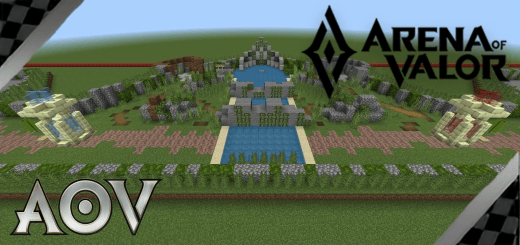
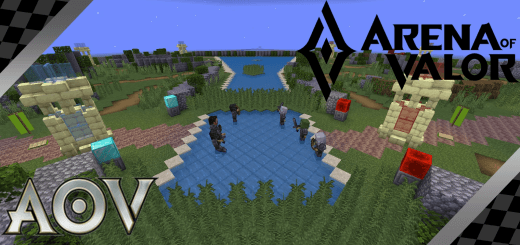
Arena of Valor (AoV) - 3v3 Map

80
Select version for changelog:
Changelog
Update map to ensure compatibility with Minecraft v26.0+.
Downloads
- Arena_of_Valor_3v3.mcworld (377.85 KB)

Select version for changelog:
Update map to ensure compatibility with Minecraft v26.0+.
I tested the map on another device and it works fine. So if you can't use the map normally, I'm sorry maybe your device is not powerful enough to run the map, Minecraft error, device system error or maybe a software conflict.
You can try some fixes below:
1. Restart the Minecraft and your device, then clear the old map, download and run the map again.
2. Try both .zip file and .mcworld file
3. Reduce the game's graphics (also map's chunks)
4. If you play on PC, check the Java
5. Clear Minecraft's cache and restart the game, while also cleaning up the RAM on your device
If you have tried all these fixes but the map still doesn't work, please leave a comment about the details of the error you encountered so I can know and find a way to assist you.
I tested the map on another device and it works fine. So if you can't use the map normally, I'm sorry maybe your device is not powerful enough to run the map, Minecraft error, device system error or maybe a software conflict.
You can try some fixes below:
1. Restart the Minecraft and your device, then clear the old map, download and run the map again.
2. Try both .zip file and .mcworld file
3. Reduce the game's graphics (also map's chunks)
4. If you play on PC, check the Java
5. Clear Minecraft's cache and restart the game, while also cleaning up the RAM on your device
If you have tried all these fixes but the map still doesn't work, please leave a comment about the details of the error you encountered so I can know and find a way to assist you.